
Plan to Eat alternative
A Plan to Eat alternative that starts from your fridge
Start free. Snap what you have and get meal ideas that use it up.
Plan to Eat is a meal planner for the recipes you collect. Its website lists US$5.95 a month or US$49 a year, after a 14-day free trial. Pantry Pic has a free tier on iPhone and Android. It suggests meals from a photo of your fridge, keeps your own recipes, lets you plan your week and adds only the missing items to your shopping list.
Download Pantry Pic directly from your preferred app store:


Free on the App Store and Google Play
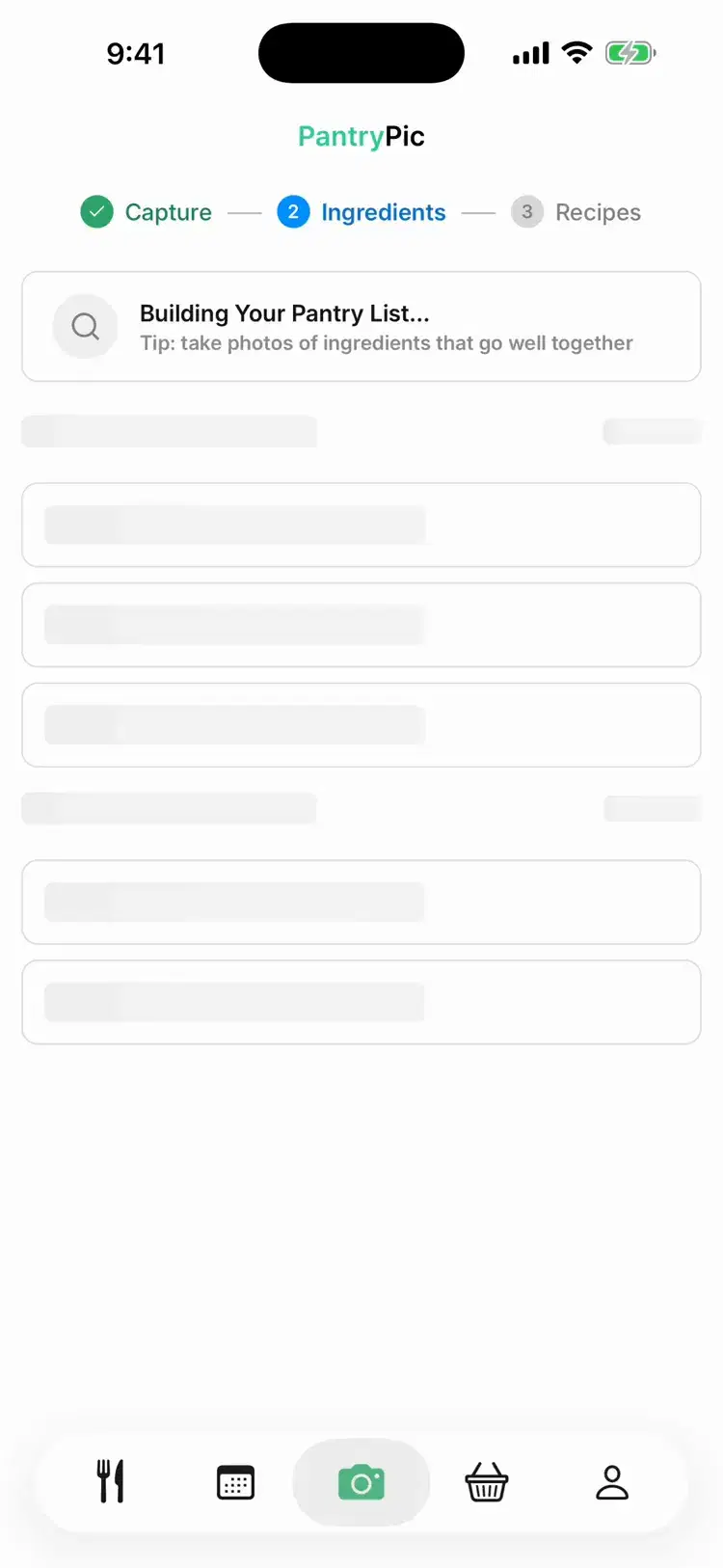
Inside Pantry Pic
Plan from what you have
Inside Pantry Pic.
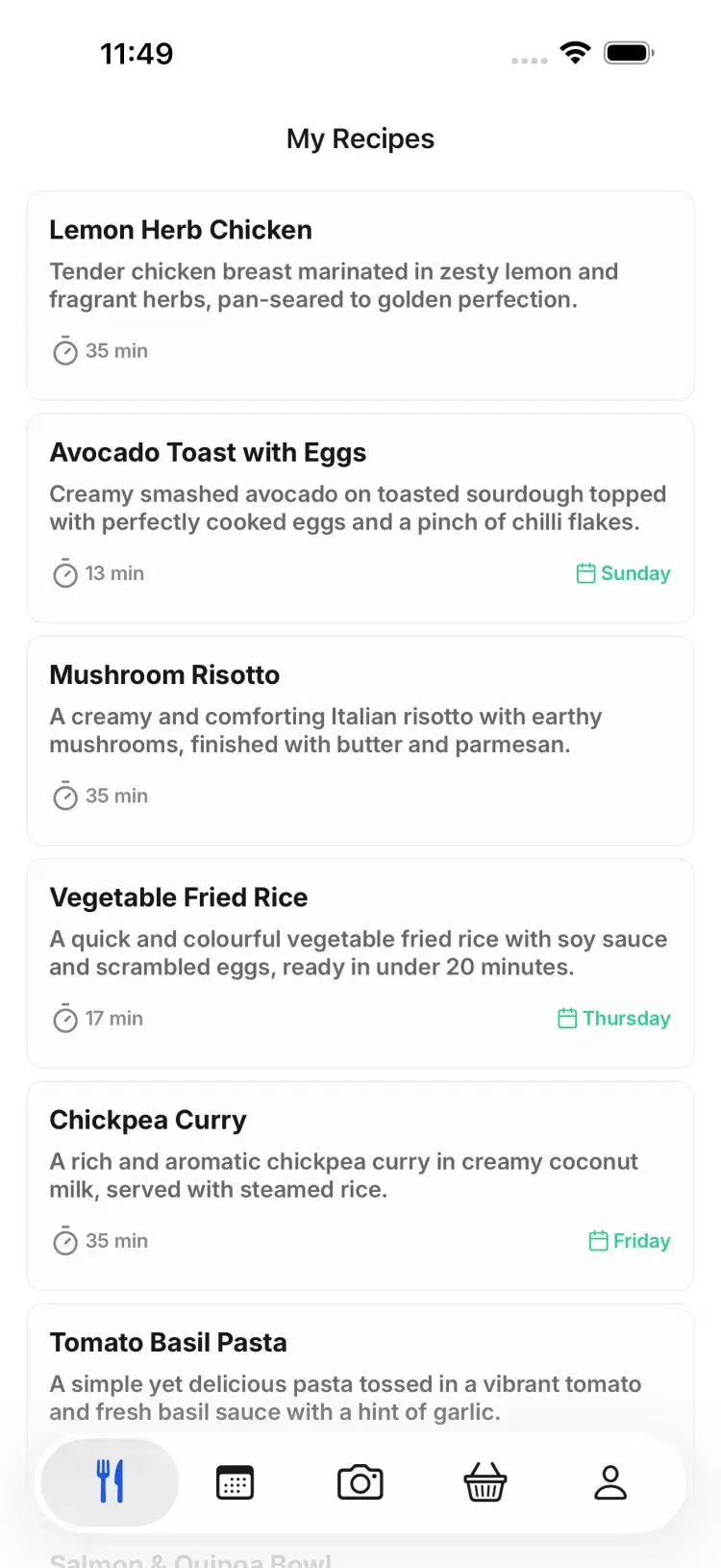
Dinner ideas built around your fridge, next to the recipes you saved.
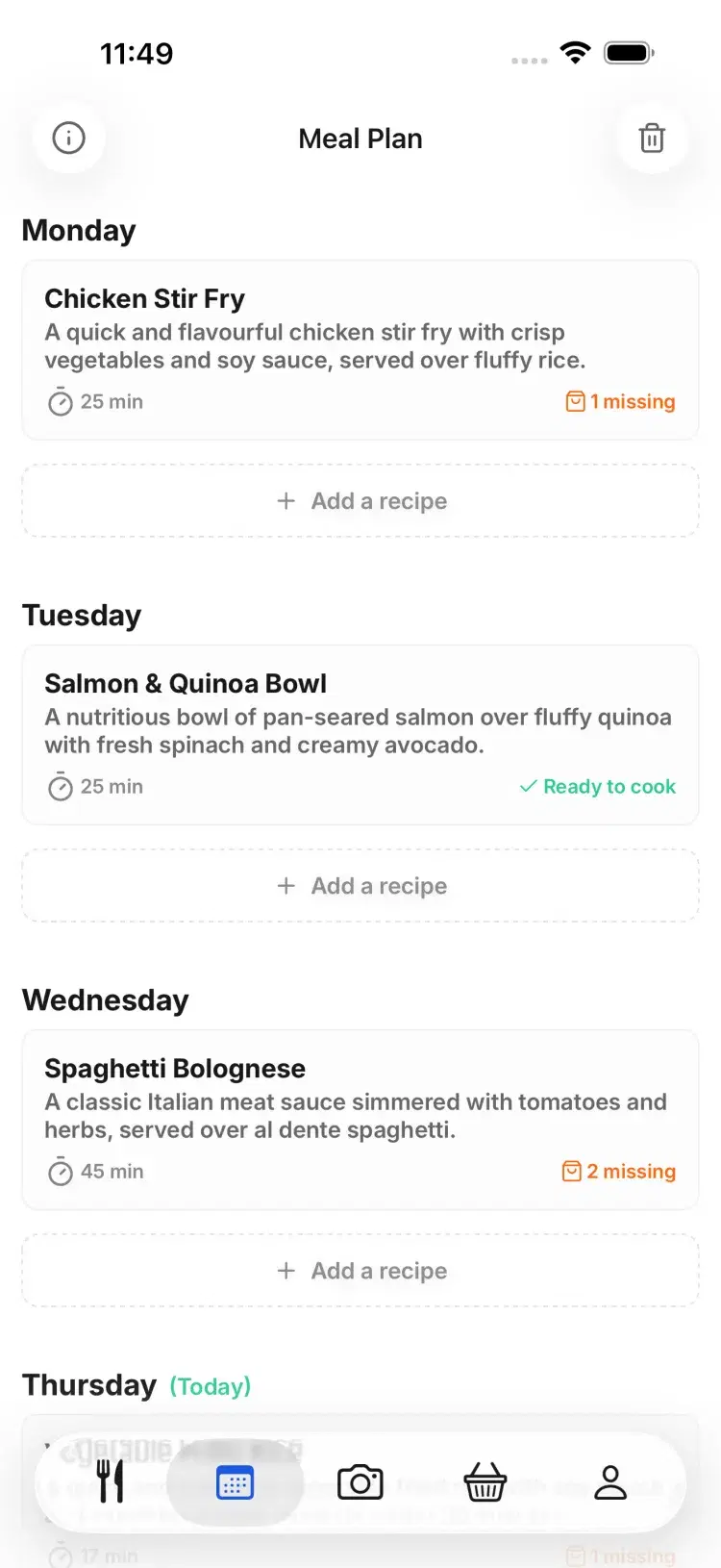
Your week on one screen. Drag a meal to another day, or swipe to move it.
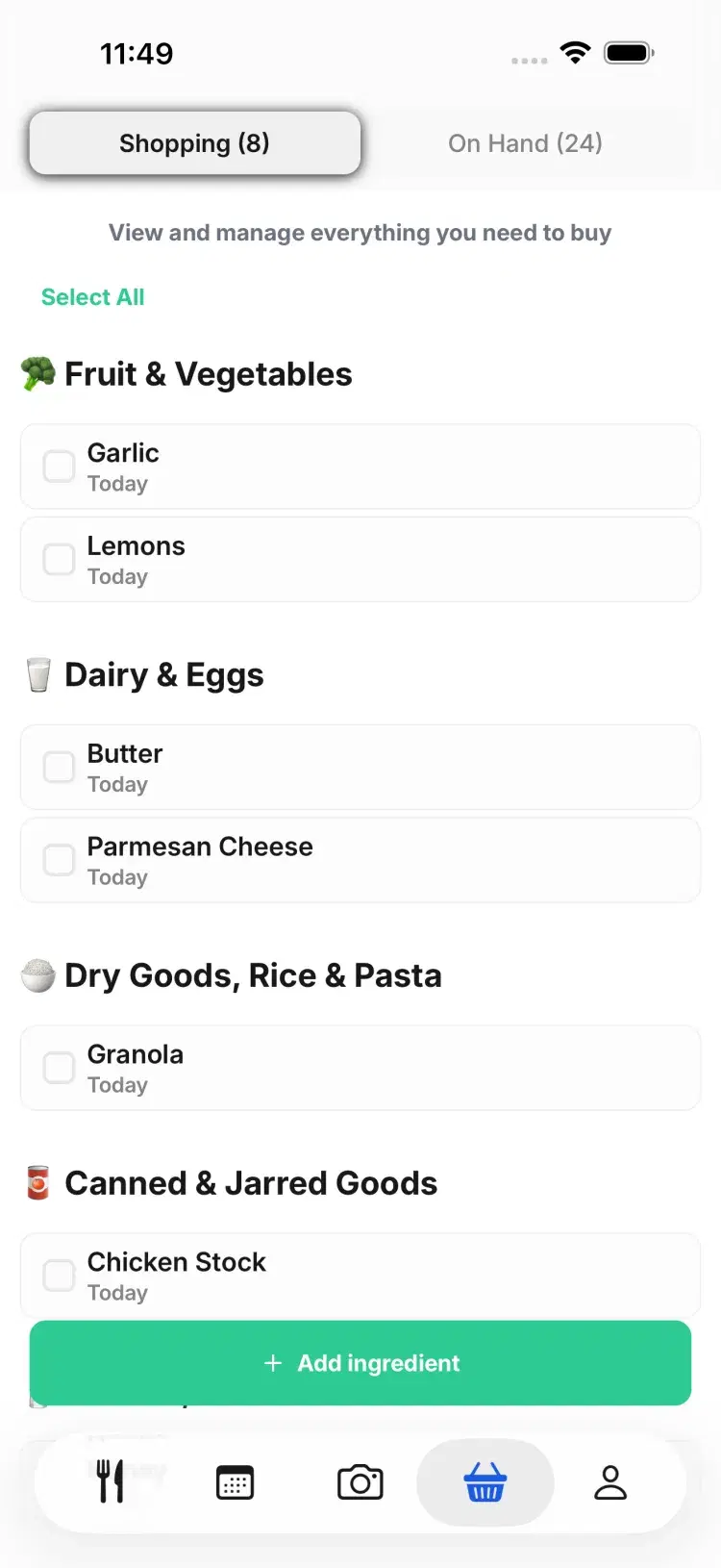
Add only the missing items, grouped by aisle.
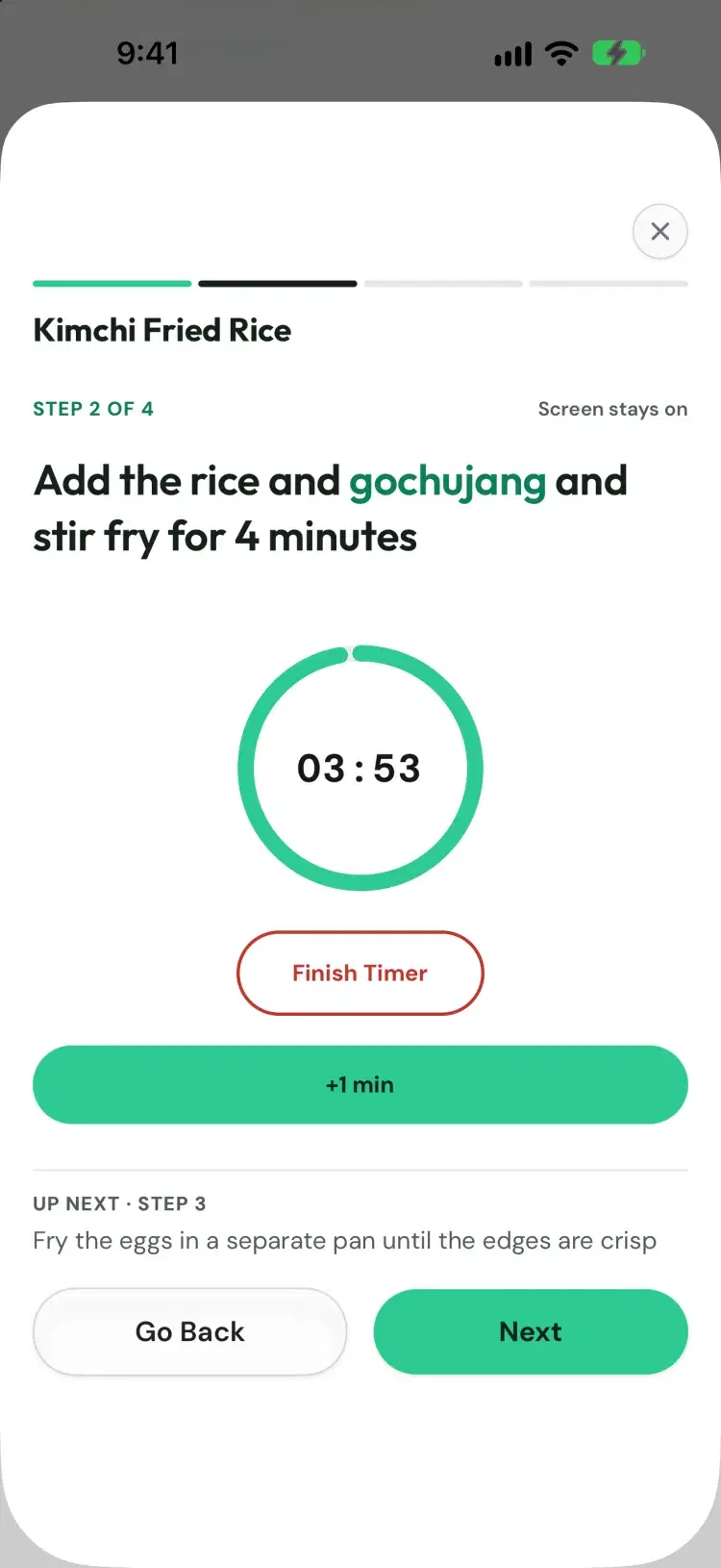
One step at a time, with timers built in.
Side by side
Pantry Pic and Plan to Eat compared
Where recipes come from
Suggested from what you have, plus your own
Recipes you add, plus some Plan to Eat recipe sets you can browse
Knowing what you have
A pantry built from a photo of your fridge, a receipt or a barcode
A Staples List of items you keep on hand, filled in by you
Adding recipes
A photo, a link or pasted text
Browser extension, share sheet, social apps and manual entry, including copy and paste
Bulk import from other apps
Imports recipe files from other apps
Meal planning
Add recipes to any day of the week
A calendar for any length of time, with saved menus
Shopping list
Adds only the missing items, grouped by aisle
Built from your plan, sorted by store and aisle
Platforms
iPhone and Android
Web, iPhone and Android
Languages
9 languages
English, per its App Store listing
Price
Free tier with 4 scans a month, then a subscription or Lifetime
US$5.95 a month or US$49 a year on its website, after a 14-day free trial. US$54.99 a year in the US App Store
Which one suits you
When Pantry Pic is the better pick
You want to start on a free tier.
You want meal ideas from what is already in the fridge, not only recipes you saved.
You want your pantry filled from a photo or a receipt.
When Plan to Eat is the better pick
You plan at a computer. Plan to Eat runs on the web as well as phones, with a browser extension.
You have recipe files from another app to import in bulk.
You want to plan a month or longer and reuse saved menus.
You want daily nutrition totals on your planner.
You want to send your list to a store for delivery or pick-up.
FAQ
Plan to Eat questions
Its website, checked on 29 October 2026, lists US$5.95 a month or US$49 a year. A 14-day free trial comes first, with no card needed. In the US App Store, the one-year membership is US$54.99.
Not after the 14-day trial. Its pricing page says there is no free plan, and one subscription unlocks every feature. Pantry Pic has a free tier with 4 scans a month.
Its help pages say it does not come with a built-in recipe collection or predefined meal plans. It does offer some Plan to Eat recipe sets you can browse and save. Pantry Pic suggests recipes from a photo of your fridge, and keeps your own recipes too.
One at a time, from a link, a photo or pasted text. Pantry Pic has no bulk import. Each import uses 1 scan on the free tier.
Pantry Pic has a free tier on iPhone and Android with 4 scans a month. The cookbook, meal planner and shopping list are free. Pro is a subscription or a one-off Lifetime purchase.
If you plan from a recipe collection you have built up, Plan to Eat is designed for that. If you want to cook from what is already in your fridge, start with a photo.
Sources: Plan to Eat pricing, Plan to Eat help: cost, Plan to Eat help: where are all the recipes?, Plan to Eat FAQ, Plan to Eat recipe organizer, Plan to Eat meal planner, Plan to Eat shopping list, Plan to Eat on the App Store, Plan to Eat on Google PlayPlan to Eat is a trademark of its owner. This comparison is published by Pantry Pic, which is not affiliated with or endorsed by Plan to Eat.Cook Something Amazing with What You Already Have
Join the movement to reduce food waste and make mealtime easier. Pantry Pic turns your pantry into a recipe book, one snap at a time
Download Pantry Pic directly from your preferred app store:
Free version available • Upgrade anytime
