
BigOven alternative
A BigOven alternative that starts from a photo of your fridge
BigOven's Use Up Leftovers takes three ingredients. Pantry Pic looks at the whole fridge.
BigOven is a long-running recipe and meal planning app with over a million community recipes and a Use Up Leftovers tool for up to three ingredients. Pantry Pic starts from a photo of your fridge, a receipt or a barcode, suggests meals for everything you have and adds only the missing items to your shopping list.
Download Pantry Pic directly from your preferred app store:


Free on the App Store and Google Play
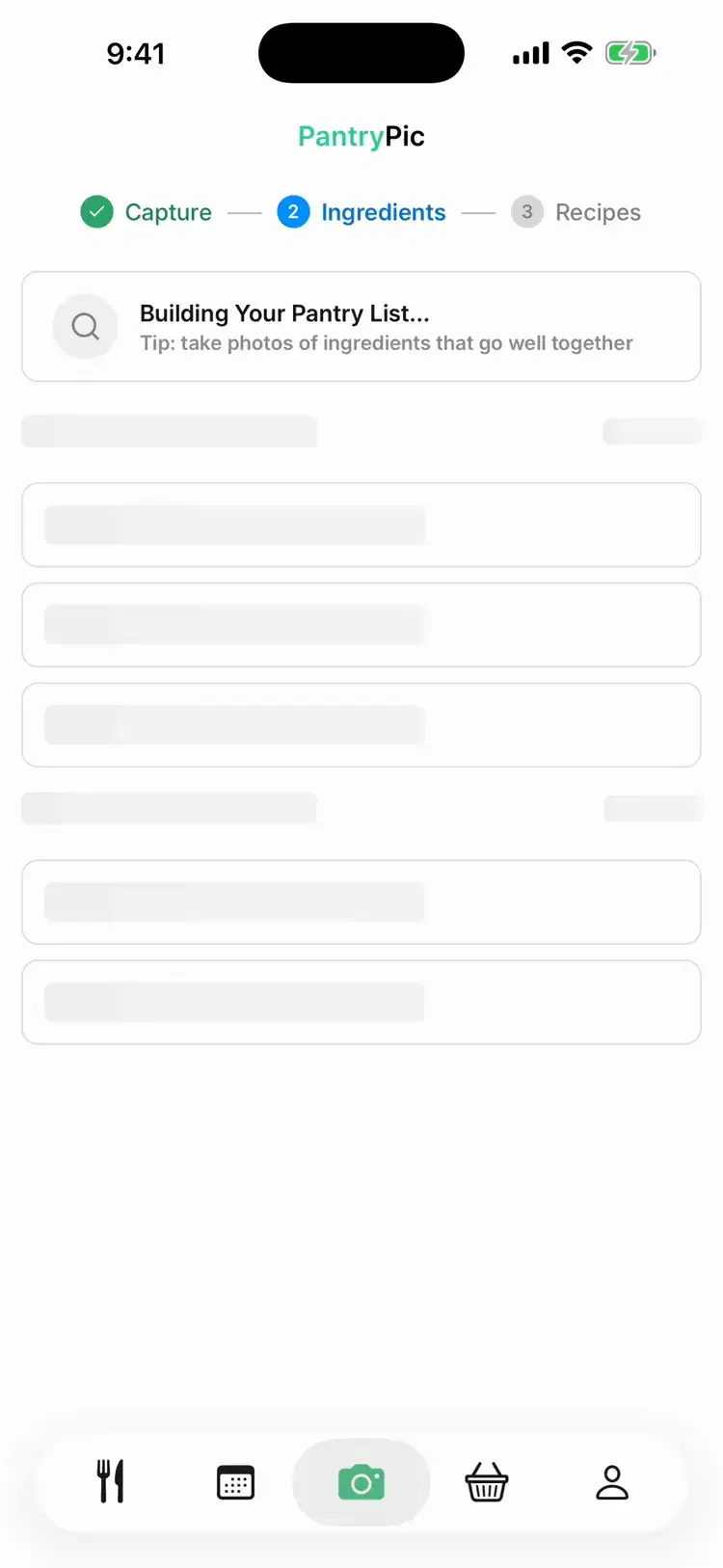
Inside Pantry Pic
What Pantry Pic does with your whole fridge
No picking three ingredients. Snap the shelves and go.
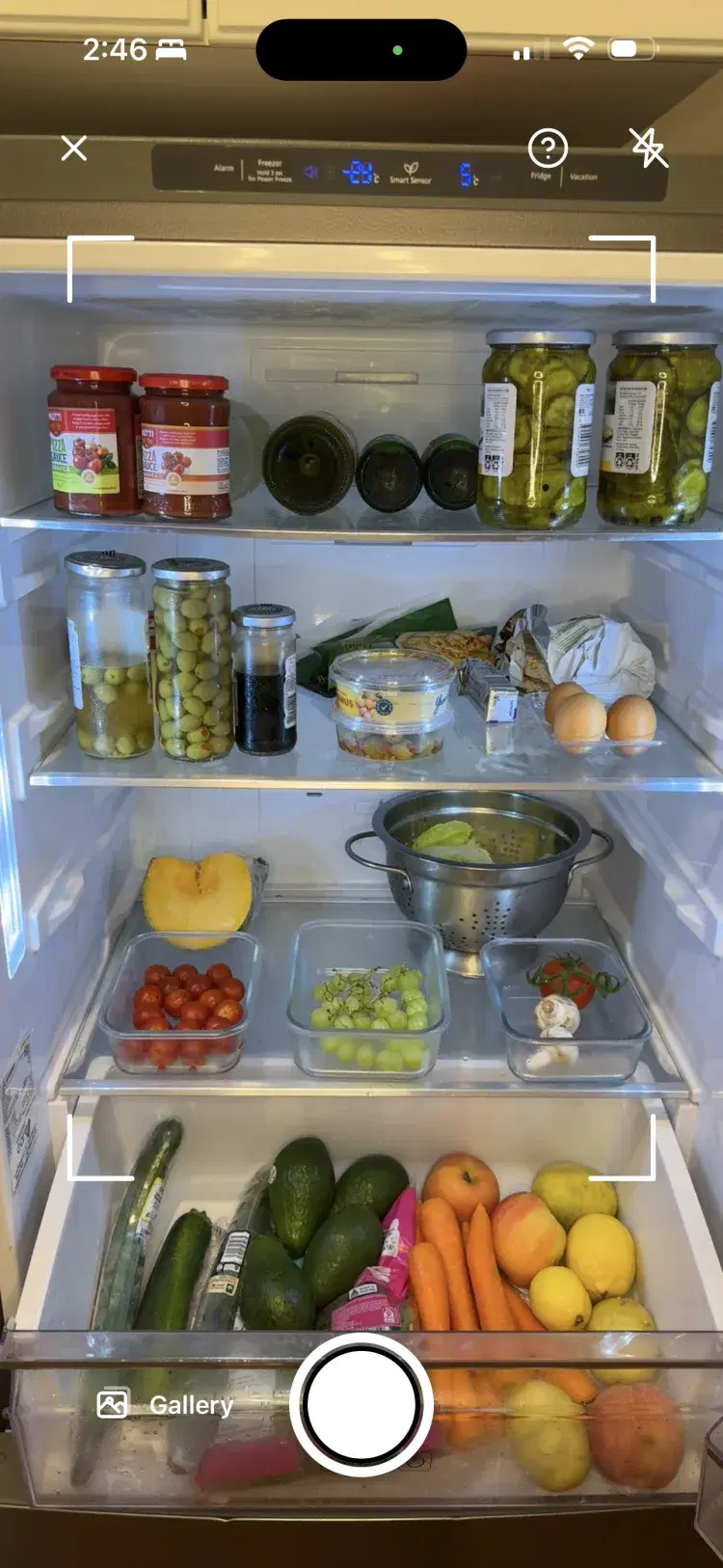
Point the camera at your fridge or pantry. Pantry Pic lists what it sees.
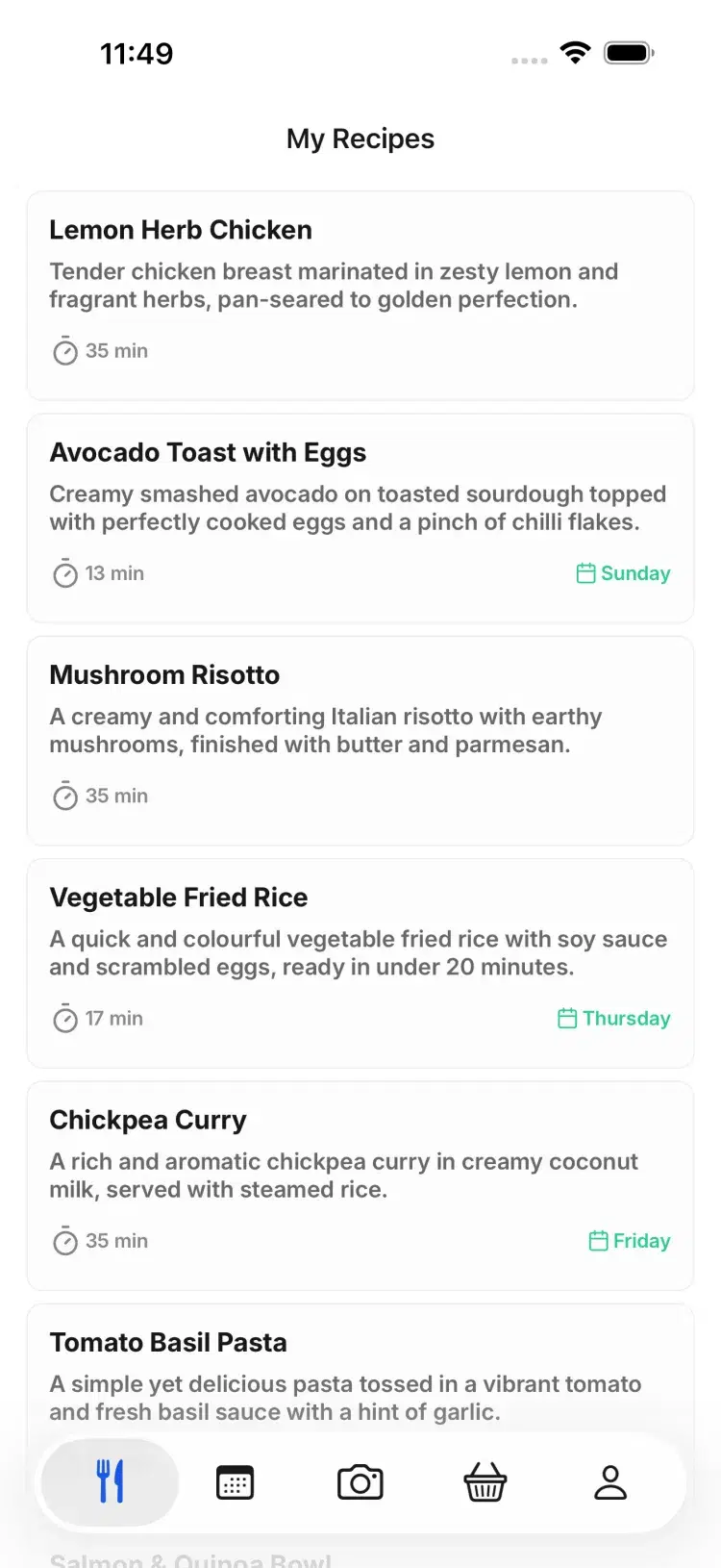
Dinner ideas that use what is already there, with what you are missing marked.
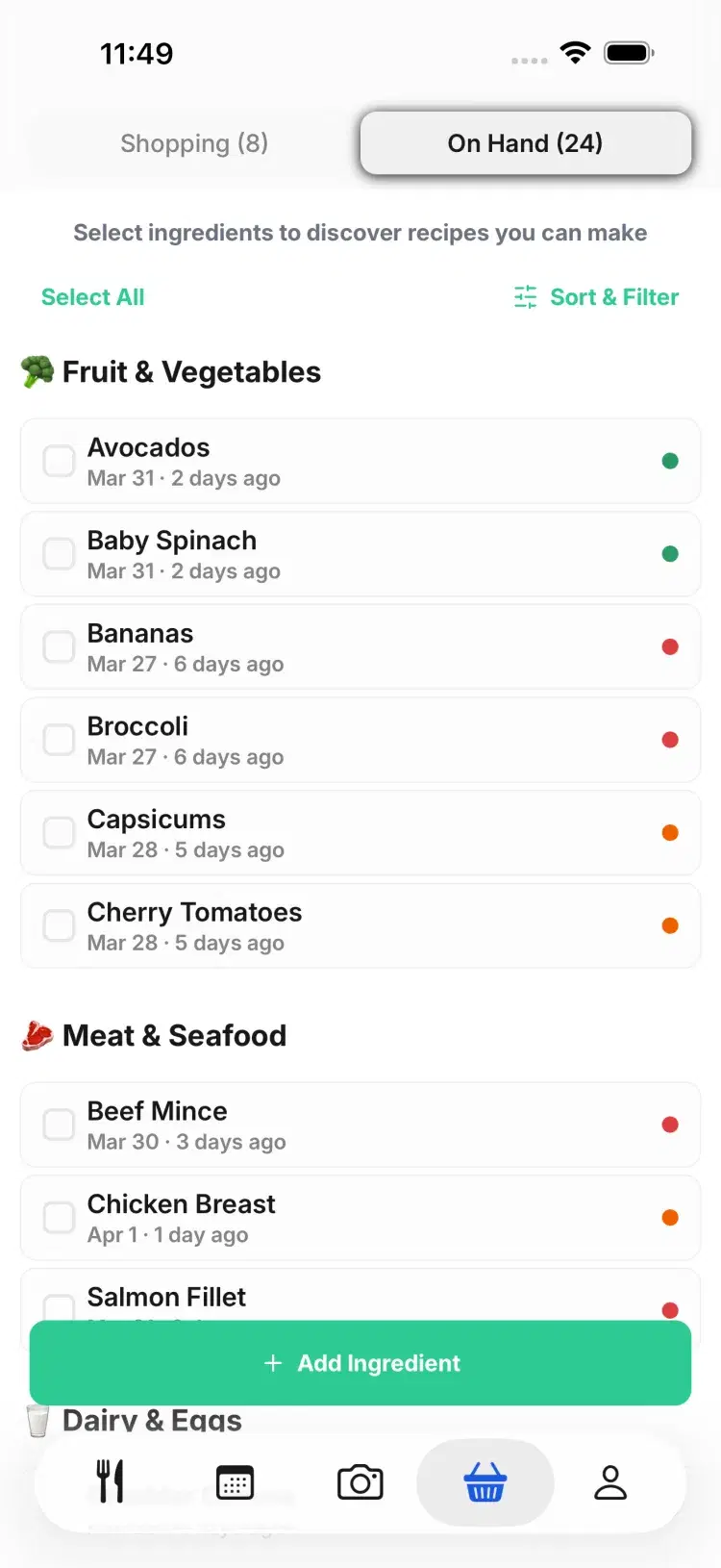
Your pantry shows what to cook first before it goes off.
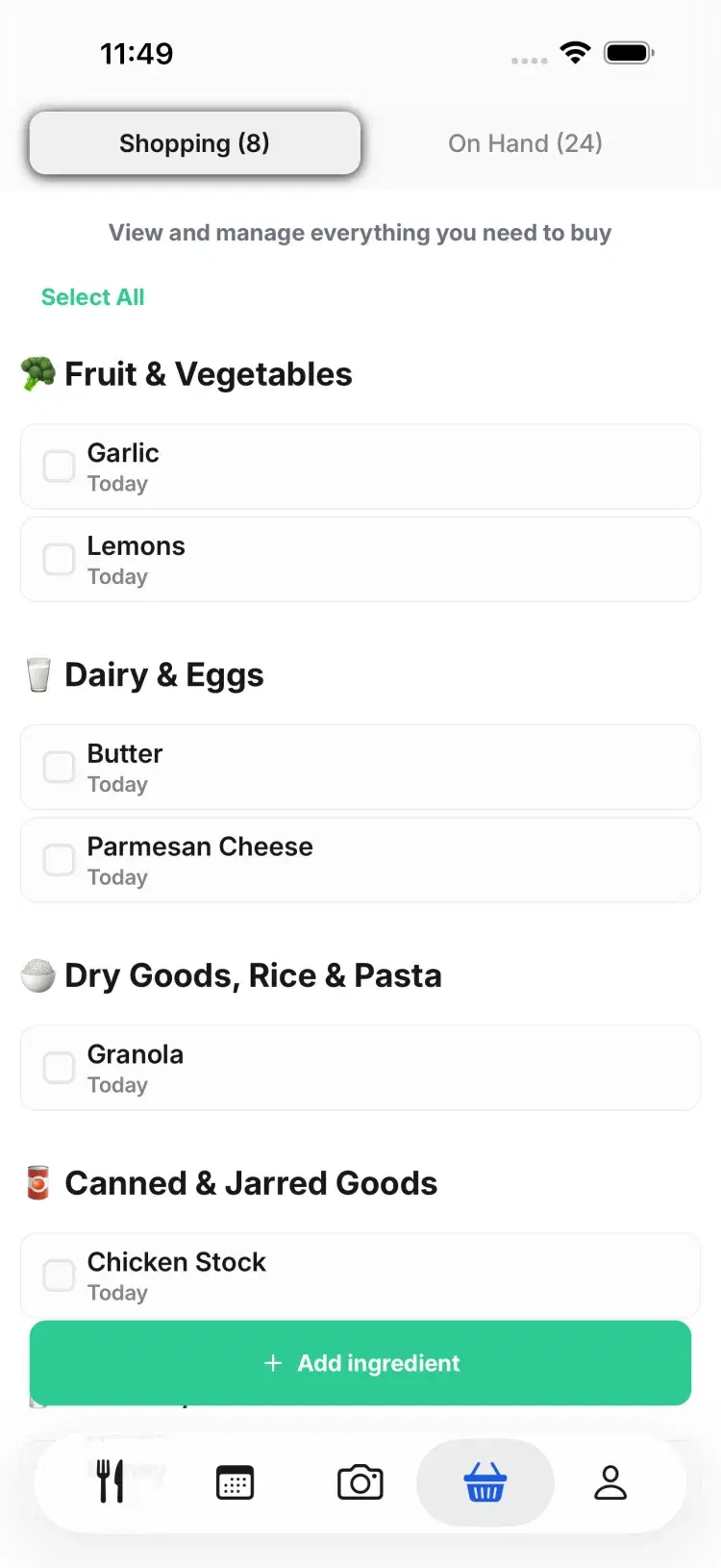
Only the missing items, grouped by aisle.
Side by side
Pantry Pic and BigOven compared
How you tell it what you have
A photo of your fridge or pantry, a grocery receipt or a barcode
Pick up to 3 ingredients in Use Up Leftovers
Where recipes come from
Generated for your exact ingredients, plus recipes you import
1,000,000+ recipes from a community of home cooks
Pantry tracking
Not mentioned in its store listings
Meal planning
Shopping list
Only the missing items, grouped by aisle
Shared list, sorted by department or recipe
Recipe import
A photo, a link or pasted text
Web clipper, plus RecipeScan for handwritten recipes
Platforms
iOS and Android
iOS, Android and web
Price
Free tier, then subscription or Lifetime
Free with ads. Pro is $2.99 a month or $24.99 a year on Google Play
Which one suits you
When Pantry Pic is the better pick
You want ideas for everything in the fridge, not just three ingredients.
You would rather snap a photo or a receipt than type what you have.
You want the shopping list to hold only what you are missing.
When BigOven is the better pick
You want a huge library of recipes written and reviewed by home cooks.
You like community features, such as following cooks and reading reviews.
You plan at a computer as well as on your phone. BigOven has a website.
FAQ
BigOven questions
Yes, with ads. As checked on 21 October 2026, BigOven Pro removes ads and adds features for $2.99 a month or $24.99 a year on Google Play.
A free BigOven tool. You choose up to three ingredients and it shows recipes you can make with them.
Yes. Pantry Pic detects ingredients from a photo of your fridge or pantry, lets you edit the list and suggests meals that use what you have.
One at a time. Paste the recipe link or take a photo of the recipe, and Pantry Pic turns it into a recipe you can edit and scale. There is no bulk import.
Aisle Ahead bought BigOven in 2018.
Pantry Pic has a free tier on iPhone and Android, then a subscription or a one-off Lifetime plan.
BigOven is a great recipe library. If what you need is dinner from what is already in the fridge, start with a photo.
Sources: BigOven on the App Store, BigOven on Google PlayCook Something Amazing with What You Already Have
Join the movement to reduce food waste and make mealtime easier. Pantry Pic turns your pantry into a recipe book, one snap at a time
Download Pantry Pic directly from your preferred app store:
Free version available • Upgrade anytime
