
Meal ideas from your pantry
Take a photo. Get recipes from your ingredients
Pantry Pic spots what's in your fridge or pantry, suggests meals you can cook tonight and keeps your shopping list in order
Download Pantry Pic directly from your preferred app store:


120K+
Ingredients recognised and growing
35K+
Personalised recipes served
9
Languages in the app
Why Pantry Pic
Pantry Pic dinner ideas from what you already have
Pantry Pic spots ingredients, plans meals and keeps you cooking with what you already have

Automatic Ingredient Detection
Instantly identifies what's in your pantry or fridge, from fresh produce to packaged goods

Personalised Recipes
Get recipes from the ingredients you have, or type a craving, to fit your diet, cooking level and household

Meal Planning
Tap a day to add a recipe and plan your week around food you already have

Step-by-Step Cooking
Cook Mode shows one large step at a time, a look at the next step and built-in timers

Smart Shopping
Add missing items to a shopping list grouped by aisle, or scan a barcode

Waste Less Food
Use what's already in your kitchen first, with a Use First group at the top of your pantry

Nutrition at a Glance
A Nutrition Score plus calories, protein, carbs and fat for every recipe, per serving

Receipt Scanning
Snap or email a grocery receipt and your pantry updates itself

Snap a Dish
Photograph any meal you love and get the full recipe to cook it at home

Ingredient Substitutions
Missing something? Find a swap that works with what you have
Ready to Clear Your Pantry?
Download Pantry Pic directly from your preferred app store:
Inside the app
See Pantry Pic in action
From a quick fridge photo to a week of dinners, here's how it looks in the app
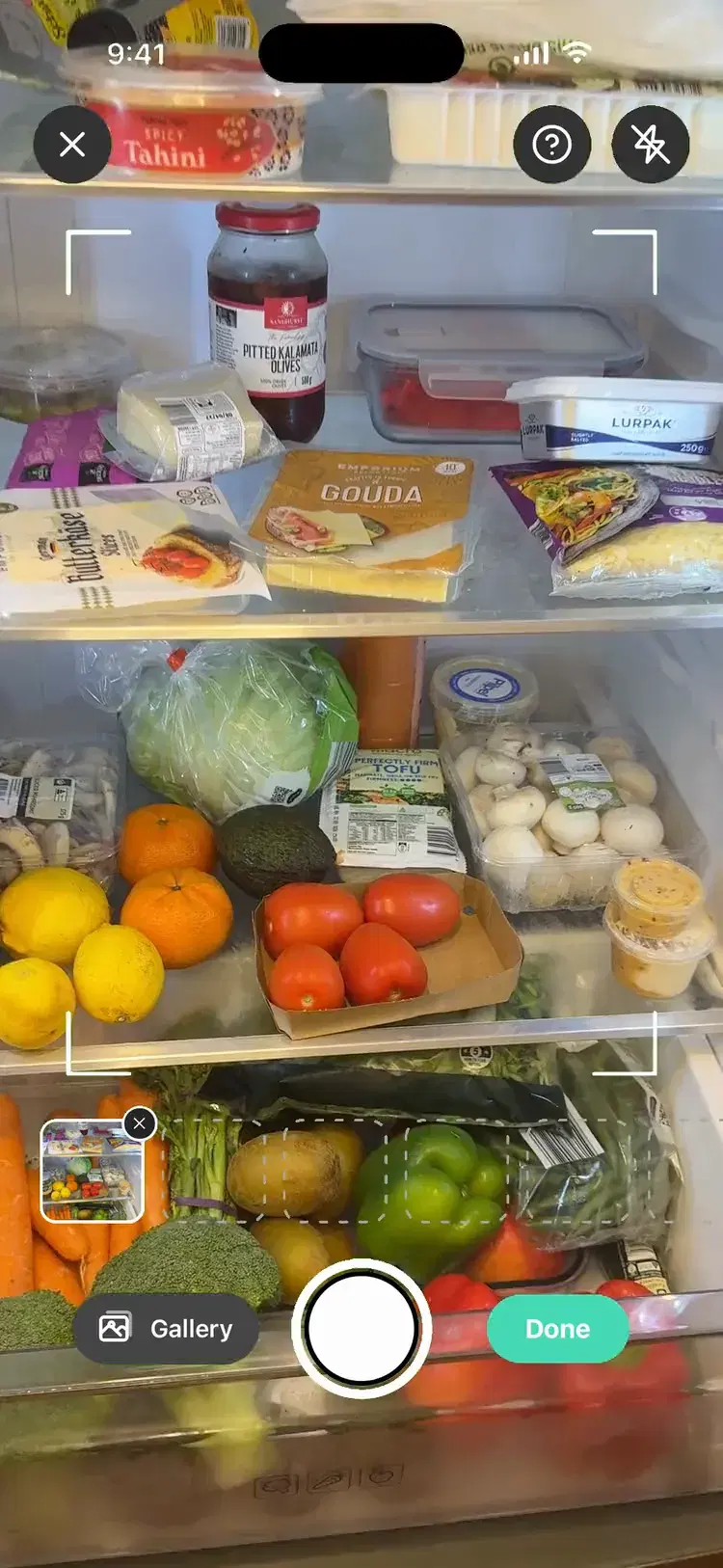
Snap your fridge or pantry
Point your camera at the shelves and Pantry Pic picks out every ingredient in seconds, no typing required
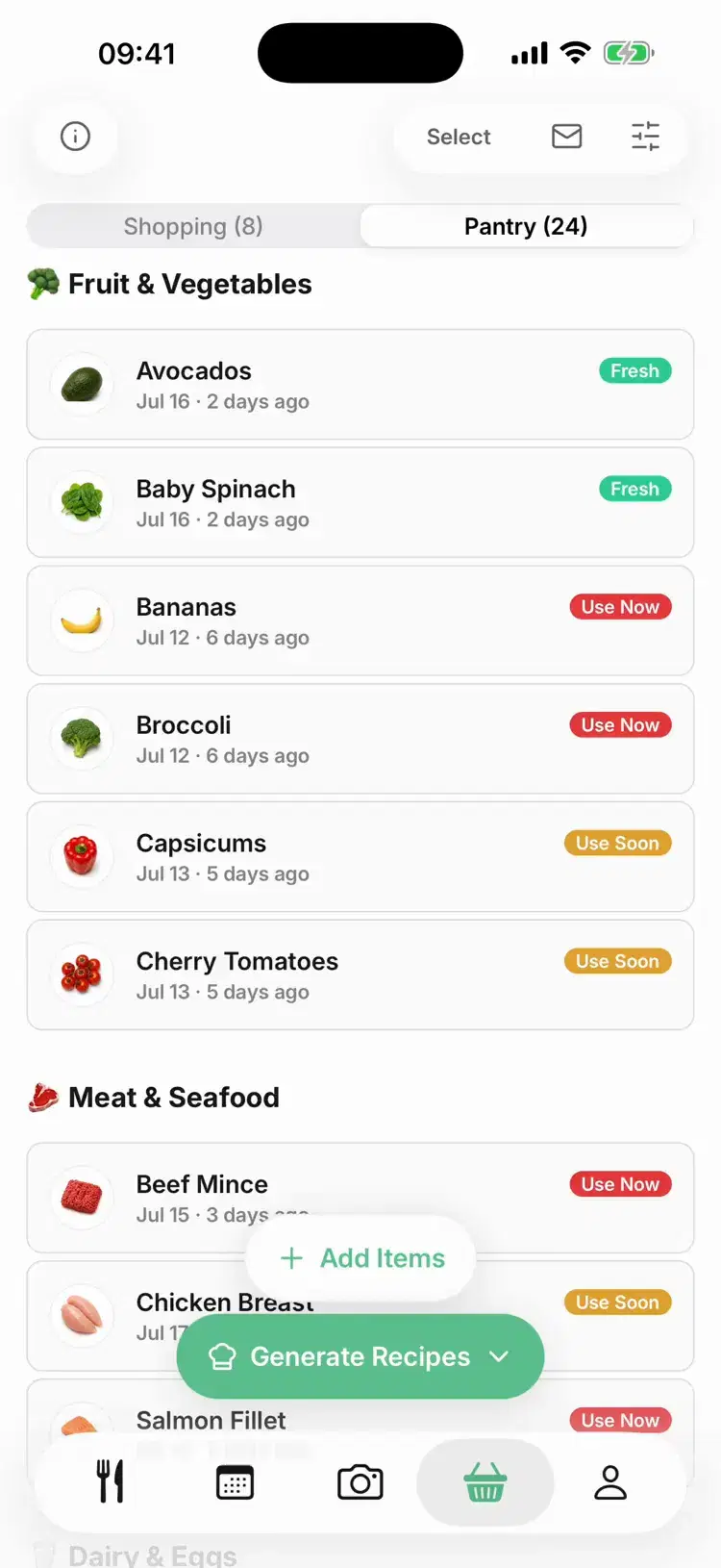
Know what's on hand
Your pantry sits in tiles by category, with a Use First group at the top based on when you added each item
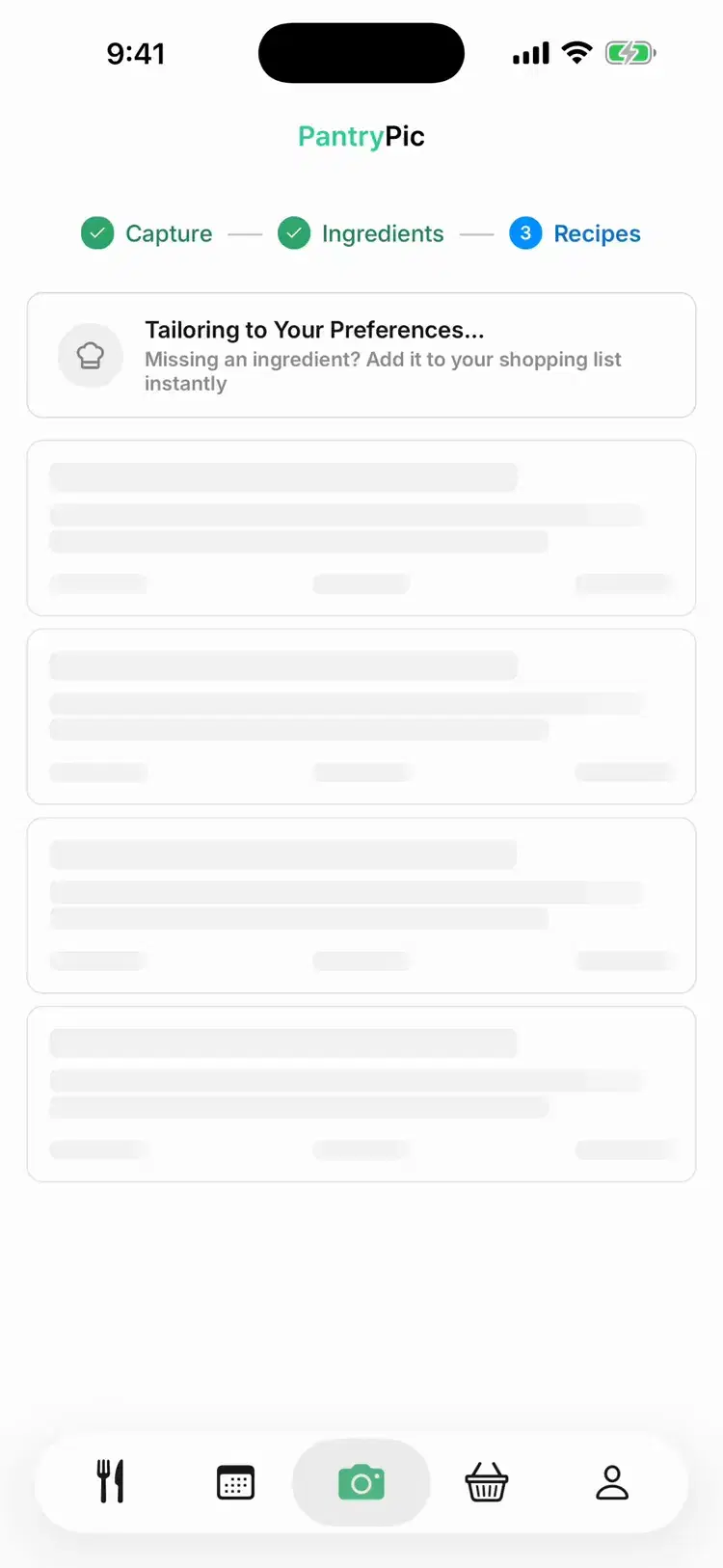
Recipes from what you already have
Get meal ideas built around your ingredients, complete with cook times and easy instructions
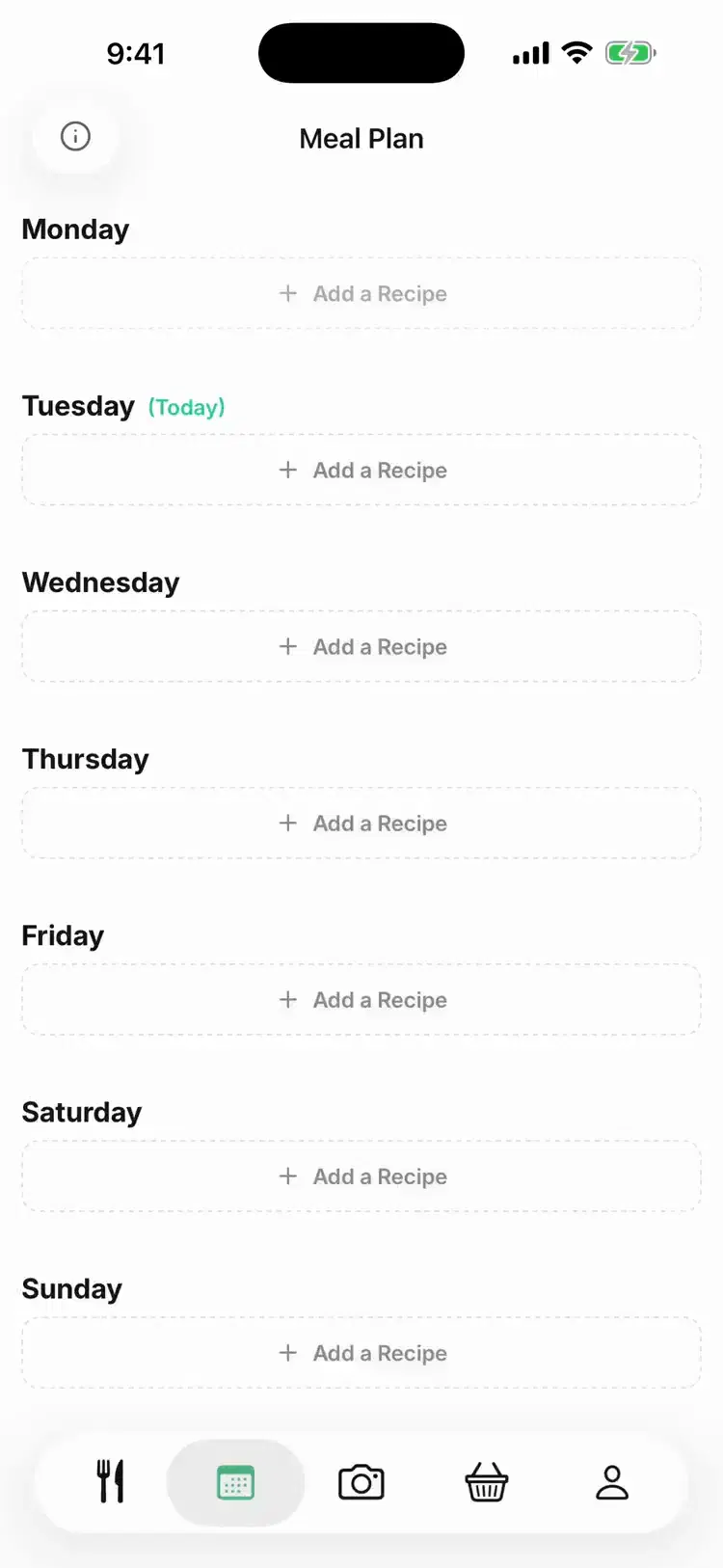
Plan your week in minutes
Tap a day to add a recipe and see what's ready to cook and what's missing
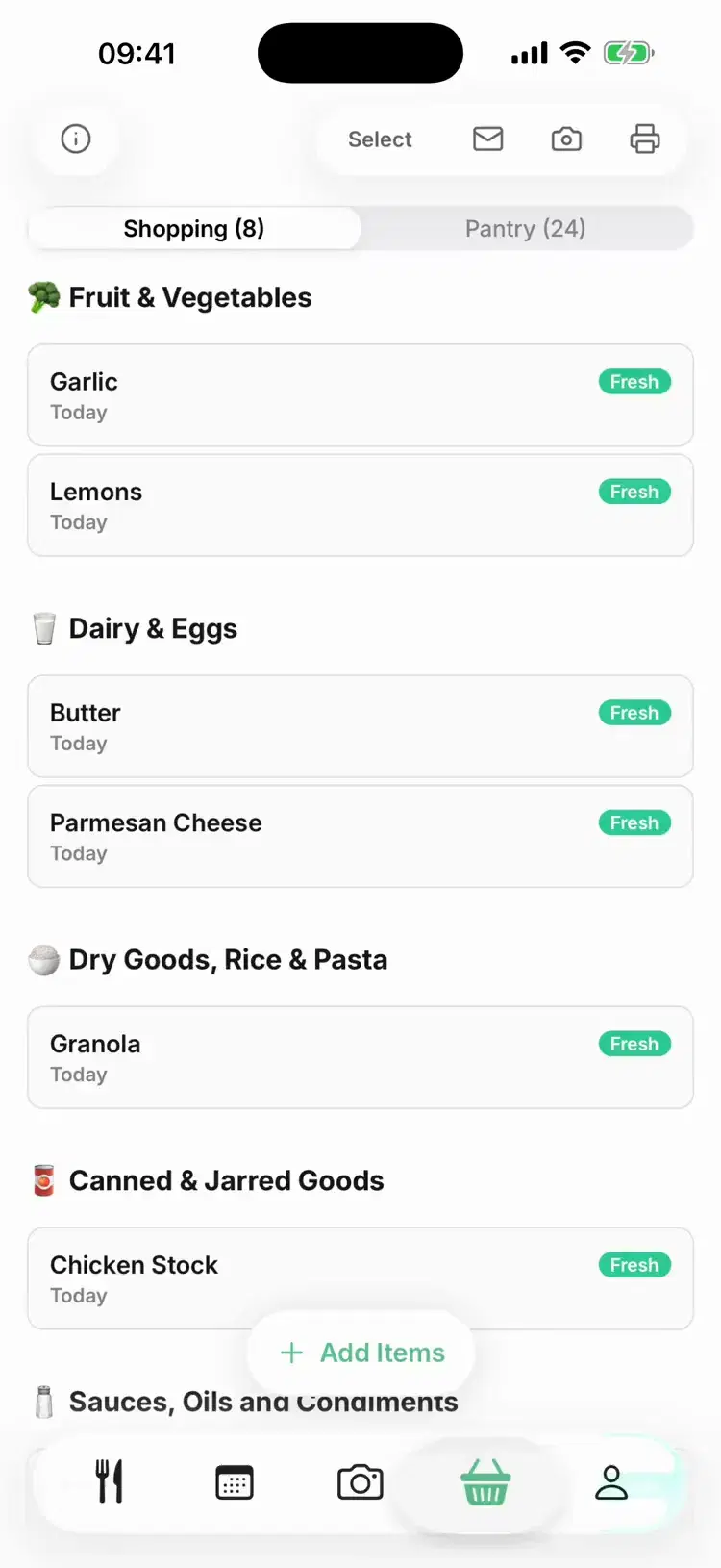
A shopping list that writes itself
Missing ingredients land on your list, grouped by aisle so shop runs are quick
How it works
From Snap to Supper in Minutes
Snap your pantry, let Pantry Pic check every detail and turn ingredients into dinner-ready plans in minutes

01
Step 1: Snap your ingredients
Take a clear photo of your pantry or fridge. Pantry Pic reads it in seconds
02
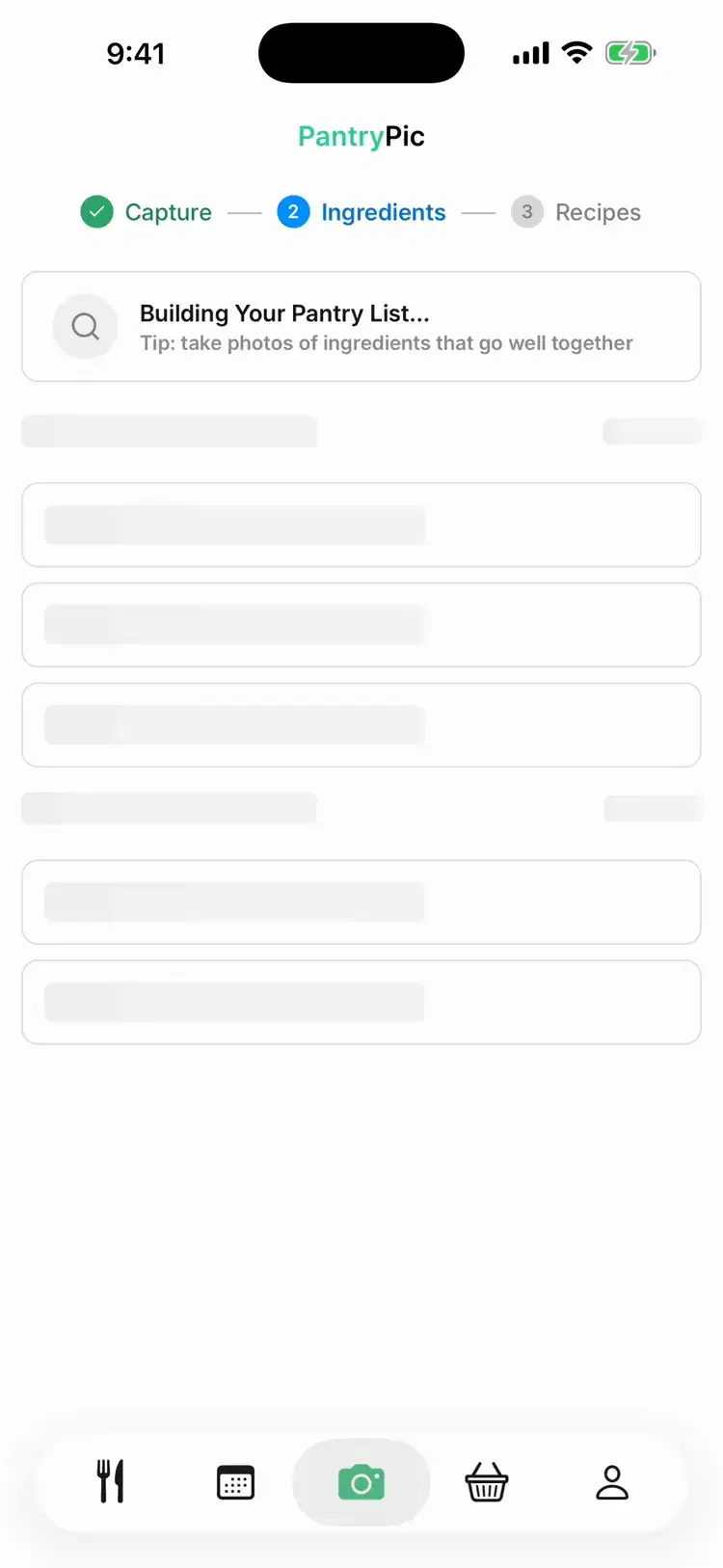
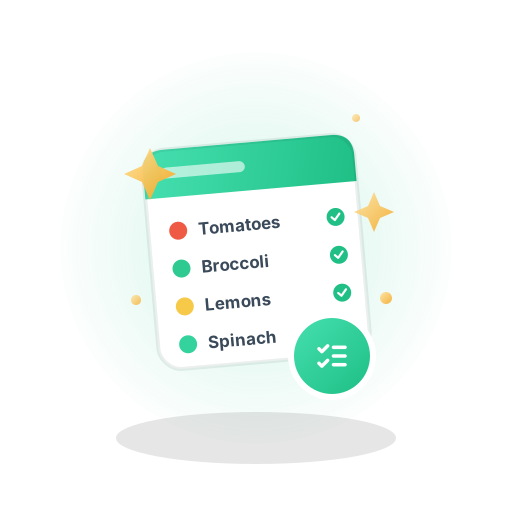
Step 2: Pantry Pic checks every detail
Pantry Pic names the ingredients, skips duplicates and remembers your dietary preferences
03
Step 3: Get tailored recipes
Pantry Pic suggests meal ideas with ingredients, instructions and nutrition insights

04
Step 4: Cook and shop smarter
Use Cook Mode, a shopping list grouped by aisle and your weekly plan to make every meal easier
Start Cooking Smarter Today
Download Pantry Pic directly from your preferred app store:
Testimonials
Loved by Home Cooks Everywhere
Real reviews from home cooks like you
“I didn’t realise how much food we were wasting until I started using Pantry Pic!”
Lizzyq123
Verified App Store review
“Saves heaps of food from being thrown in the bin, a win win!”
Tom
Verified App Store review
Free Resource
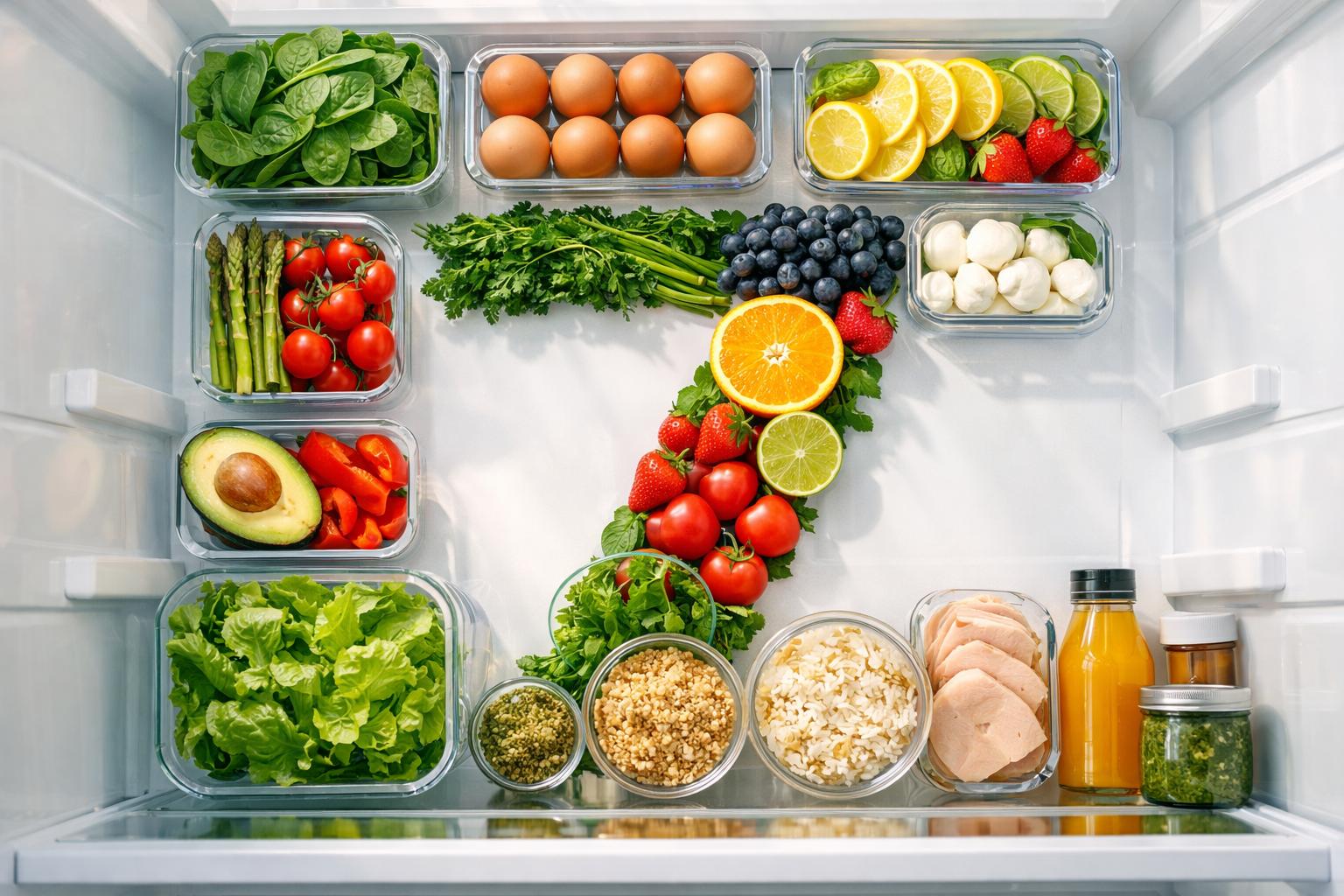
Waste Less Week: a free 7-day guide
One small mission a day, backed by research and built around real life. Waste less and feel good about what's in your fridge in a week.
Fresh from the pantry
Latest from the Pantry Pic blog
Tips, Guides and Recipes to make dinner planning effortless
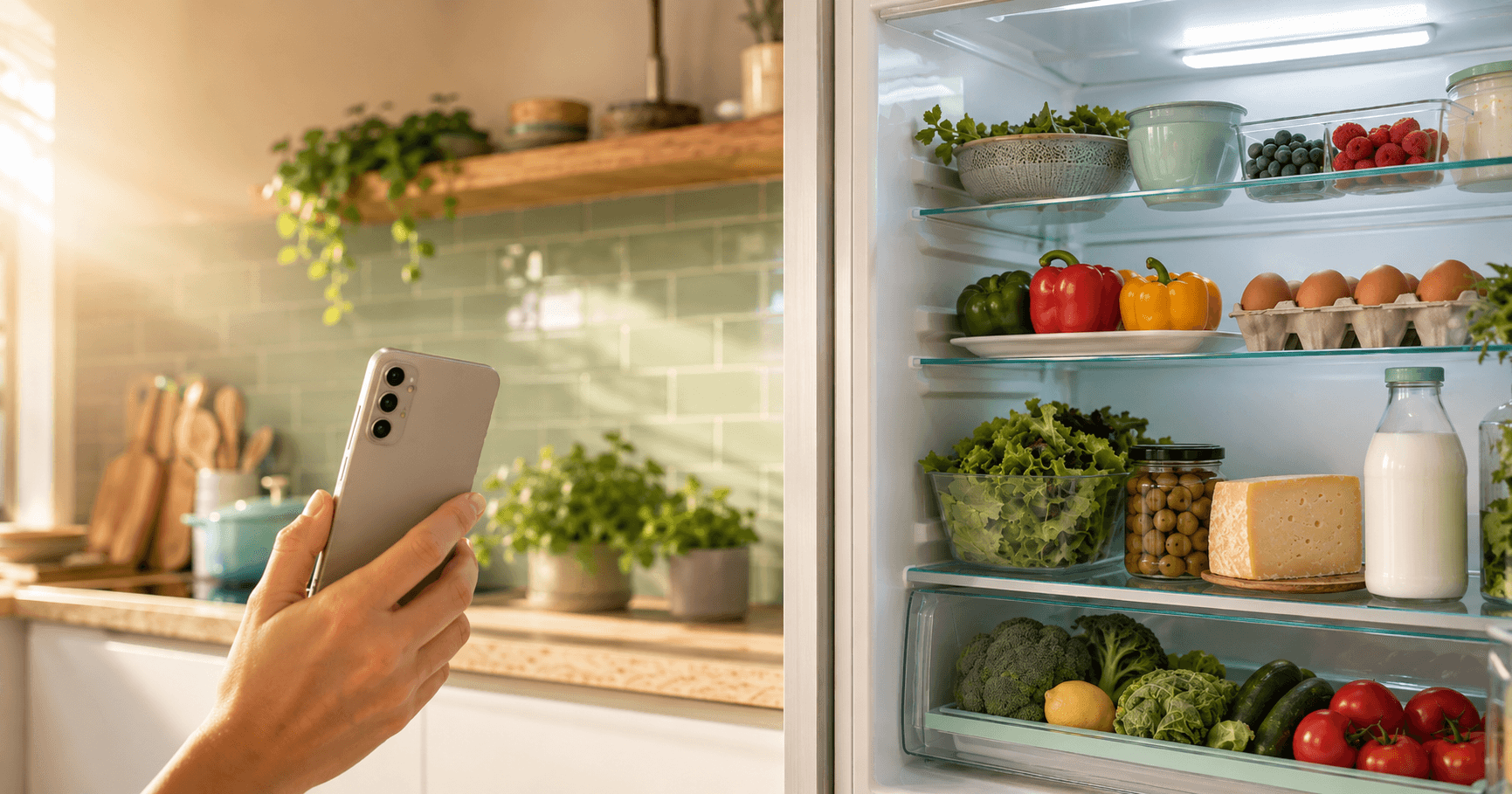
Best Apps to Find Recipes from the Ingredients You Have (2026)
We compared 8 apps that turn the ingredients you already have into dinner: Pantry Pic, SuperCook, DishGen, Crumb and more. Photo vs type, free vs paid.
Read story
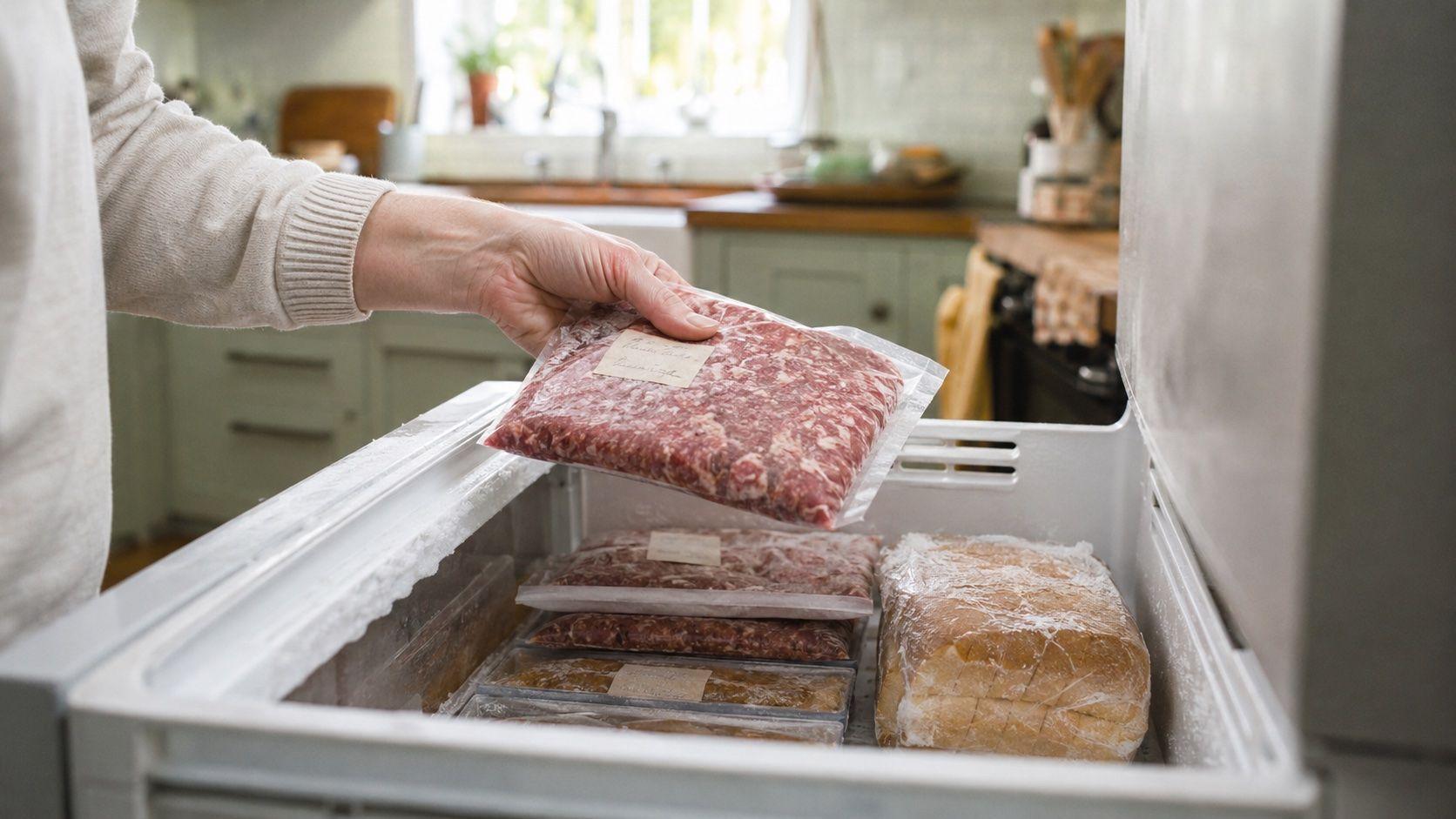
Can You Freeze Food Before the Use-By Date?
Yes, you can freeze food before its use-by date and eat it later. What the FDA, USDA, UK FSA and FSANZ say, what to freeze, and how to thaw it safely.
Read story
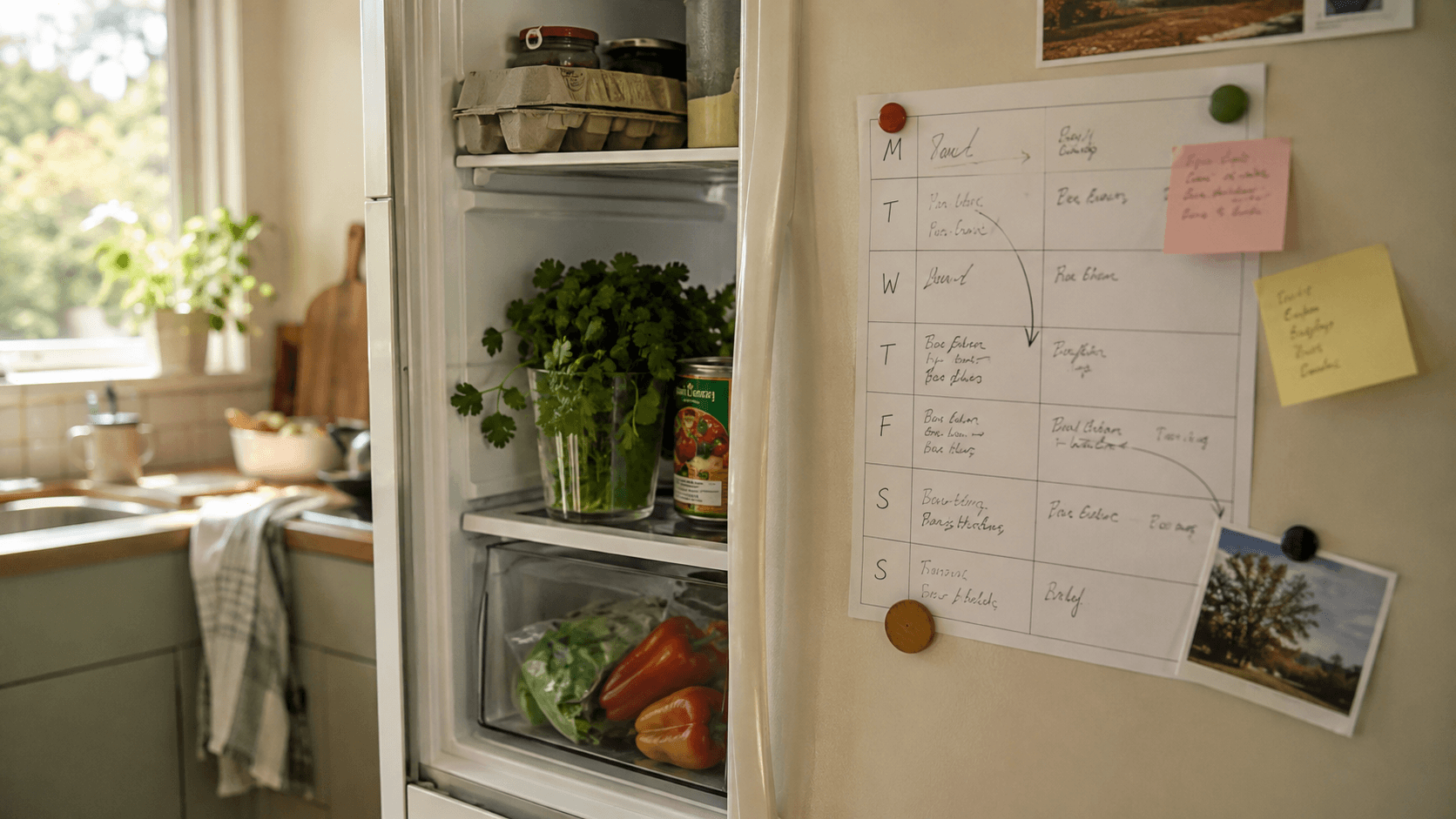
Why a Meal Planner With Pantry Inventory Beats Either Tool on Its Own
Meal planning alone ignores what's in the cupboard. See why a meal planner with pantry inventory cuts food waste and duplicate buys, and what to look for.
Read story
Cook Something Amazing with What You Already Have
Join the movement to reduce food waste and make mealtime easier. Pantry Pic turns your pantry into a recipe book, one snap at a time
Download Pantry Pic directly from your preferred app store:
Free version available • Upgrade anytime
FAQ
Everything You Need to Know About Pantry Pic
Answers to the most common questions about Pantry Pic
Pantry Pic turns your pantry or fridge photos into recipes and meal plans you can cook right now
Pantry Pic identifies ingredients from your photo to build recipes that match what you already own. You can edit the list before you get recipes
Yes. Pantry Pic helps you use what's already in your kitchen, and a Use First group at the top of your pantry shows what to cook with soon
Yes. Set your preferences once and every recipe adapts to your dietary needs and ingredients scanned
Pantry Pic offers a free version and a free trial of Pantry Pic Pro for unlimited scans and premium features
Absolutely. Your photos and preferences are private and never shared
Yes. It is on both the App Store and Google Play
Of course. You can send and share recipes with family and friends
Pantry Pic doesn't just store recipes. It builds them from your real ingredients
Download Pantry Pic, snap your pantry and start cooking
Join Thousands Reducing Food Waste
Download Pantry Pic directly from your preferred app store:

Pantry Pic
Pantry Pic turns photos of your ingredients into delicious recipes, helping reduce food waste and making home cooking effortless
Features
Ingredient DetectionMeal PlanningStep-by-Step CookingSmart ShoppingReduce Food WasteNutrition Info© 2026 Pantry Pic