
Smart Detection
Identify Multiple Ingredients in One Photo
Snap a picture of your fridge, pantry, or countertop. Pantry Pic instantly recognises what you have and turns it into a ready-to-cook ingredient list.
No more typing ingredient names or scrolling through endless lists. Just point, snap, and let Pantry Pic do the work.
Free on the App Store and Google Play
How Ingredient Detection Works
Three simple steps from photo to recipe-ready ingredient list
Open your fridge, pantry, or lay out ingredients on your counter. Take a clear photo with good lighting.
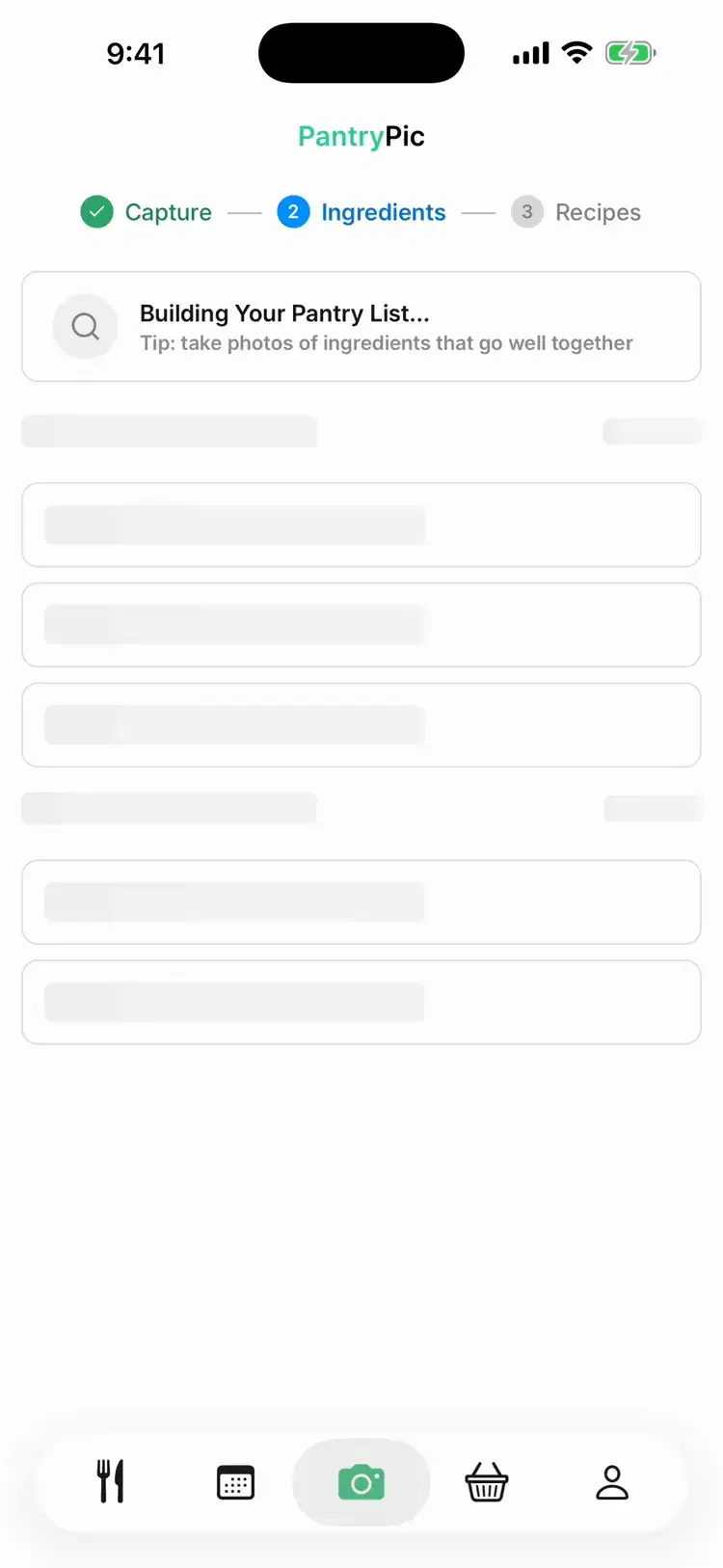
Pantry Pic analyses your photo in seconds, identifying each ingredient automatically. Multiple items? No problem.
Check the detected list, add anything missed, remove what you don't want to use. You're in control.
Detection Features
Built for Real Kitchens
Whether your fridge is packed or your pantry is a bit chaotic, Pantry Pic handles it. Here's what makes our detection special.
Identify dozens of ingredients from a single photo. Eggs next to milk next to leftover chicken? All detected at once.
Results appear in seconds, not minutes. See your ingredients populate the list as the photo is analysed.
Tap to remove items you won't use, add ingredients the camera missed, or adjust quantities before generating recipes.
Fridge, freezer, pantry, countertop—scan them all. Pantry Pic combines everything into one unified ingredient list.
Fresh produce, packaged goods, condiments, leftovers in containers—if it's edible, we probably recognise it.
See It in Action
Watch how quickly Pantry Pic identifies your ingredients and builds your list
What Can Pantry Pic Detect?
From fresh vegetables to packaged pantry staples, we've got you covered
Fruits, vegetables, leafy greens, herbs, mushrooms, and more
Meat, poultry, fish, eggs, tofu, tempeh, and plant-based alternatives
Milk, cheese, yoghurt, butter, cream, and dairy-free options
Canned goods, pasta, rice, grains, sauces, condiments, and spices
Tips for Best Detection Results
Use good lighting—natural light or a well-lit kitchen works best
Spread items out so they're not overlapping or hidden behind each other
Take photos straight-on rather than at steep angles
For packed fridges, take multiple photos of different sections
FAQ
Ingredient Detection FAQ
Answers to the most common questions about Pantry Pic
Cook Something Amazing with What You Already Have
Join the movement to reduce food waste and make mealtime effortless. Pantry Pic turns your pantry into a recipe book — one snap at a time
Download Pantry Pic directly from your preferred app store:


Free version available • Upgrade anytime
