
Meal Planning
Plan Your Week, Simplify Your Life
Turn your favourite recipes into an organised weekly meal plan. Auto-generate shopping lists and never ask "what's for dinner?" again.
Pantry Pic connects your scanned ingredients to a smart meal calendar, so you always know what to cook and what to buy.
Free on the App Store and Google Play
From Recipes to Weekly Plan in Minutes
Three simple steps to organised meal planning
Scan your ingredients and browse personalised recipe suggestions based on what you have.
Tap 'Add to Plan' on any recipe. Choose the day and meal—breakfast, lunch, or dinner.
View your week at a glance and auto-generate a shopping list for missing ingredients.
Planning Features
Everything You Need to Plan Like a Pro
Pantry Pic's meal planner is designed for real life—flexible, fast, and built around how you actually cook.
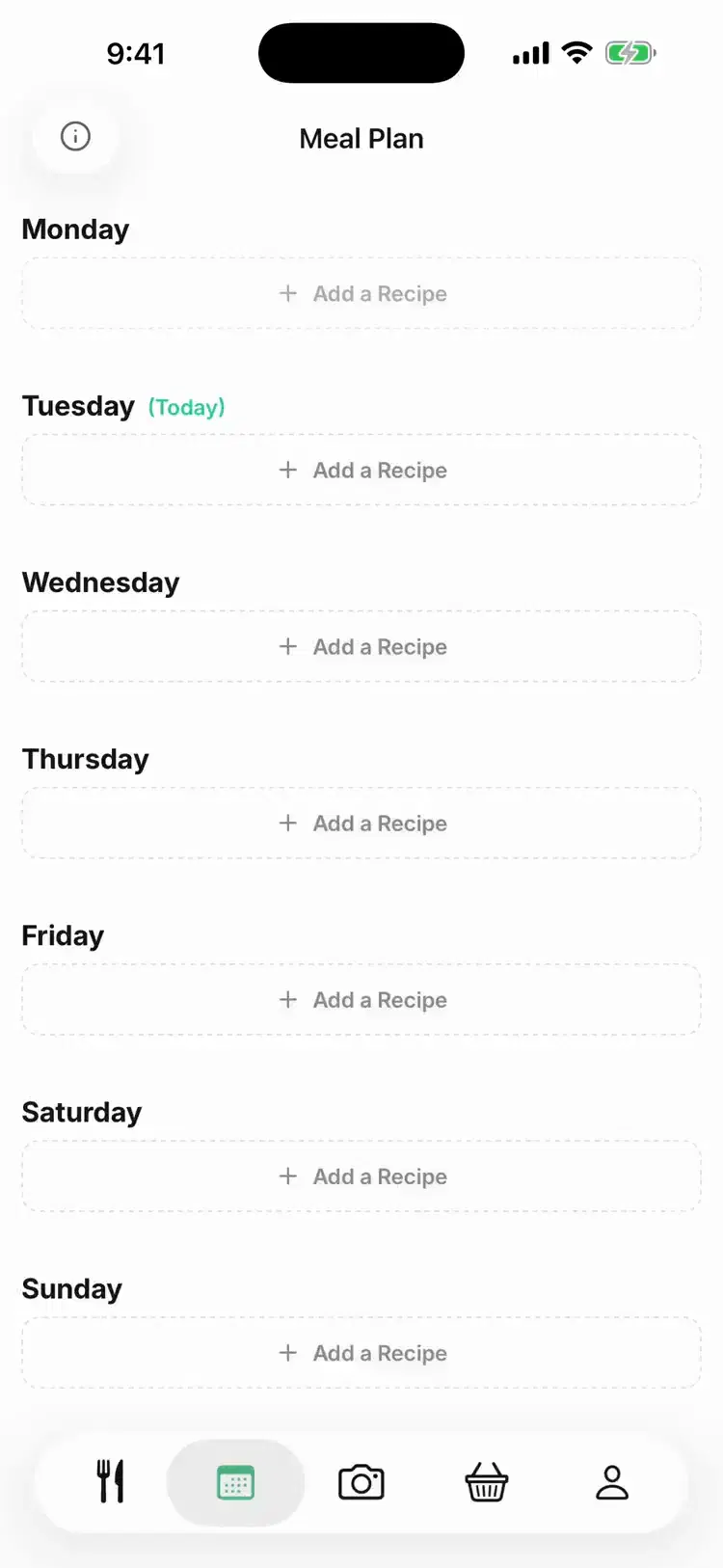
See your entire week at a glance. Each day shows breakfast, lunch, and dinner with recipe thumbnails and prep times.
One tap generates a complete shopping list from your meal plan. It even removes ingredients you already have from your last scan.
Save your favourite weekly plans as templates. Reapply them with one tap—perfect for rotating meal schedules.
Cooking for 2 or 6? Adjust serving sizes per recipe, and shopping list quantities update automatically.
No more daily decisions about what to eat. Plan once on Sunday, execute all week with zero stress.
Why Meal Planning Changes Everything
Join thousands who've transformed their weekly routine
Saved weekly on meal decisions
Less food waste on average
Of food at home is wasted (UNEP 2024)
See Meal Planning in Action
Watch how easy it is to plan your entire week
Perfect For Every Lifestyle
Plan kid-friendly dinners alongside adult meals. Know exactly what's for dinner every night without the 5pm panic.
Batch cook on weekends with confidence. Plan which recipes share ingredients for maximum efficiency.
Plan around sales and what you have. Reduce impulse grocery purchases with a clear shopping list.
FAQ
Meal Planning FAQ
Answers to the most common questions about Pantry Pic
Cook Something Amazing with What You Already Have
Join the movement to reduce food waste and make mealtime effortless. Pantry Pic turns your pantry into a recipe book — one snap at a time
Download Pantry Pic directly from your preferred app store:


Free version available • Upgrade anytime
