
Paprika alternative
A Paprika alternative that suggests meals from your fridge
Keep your recipes, and get dinner ideas from a photo of what you have.
Paprika is a recipe manager for phones, tablets and computers. Paprika 3 is sold separately on each platform. Paprika says Paprika 4, now in open beta, will need a subscription for premium features after the beta. Pantry Pic saves your recipes from a photo, a link or pasted text. It builds your pantry from a photo or a receipt and suggests meals from what you have.
Download Pantry Pic directly from your preferred app store:


Free on the App Store and Google Play
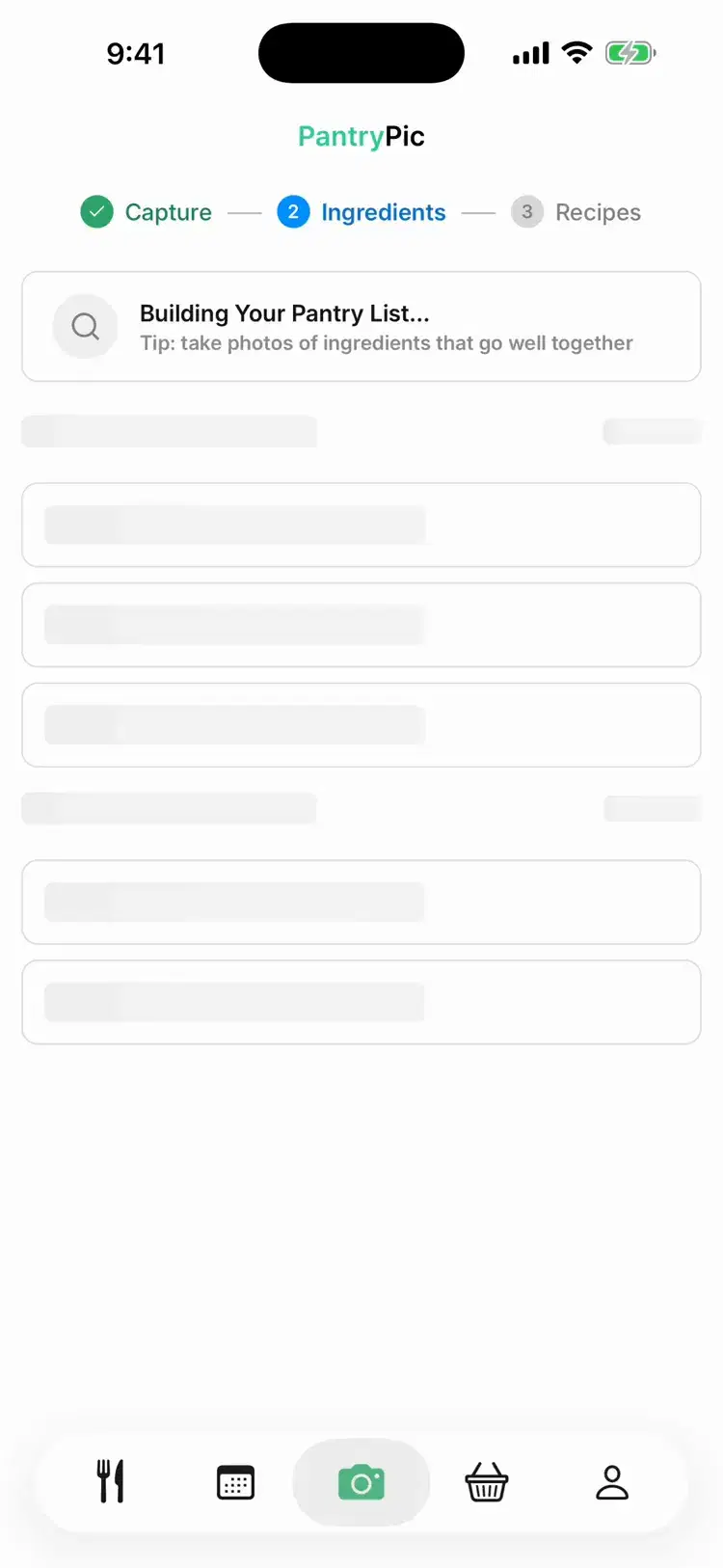
Inside Pantry Pic
Your recipes, plus ideas from your fridge
Inside Pantry Pic.
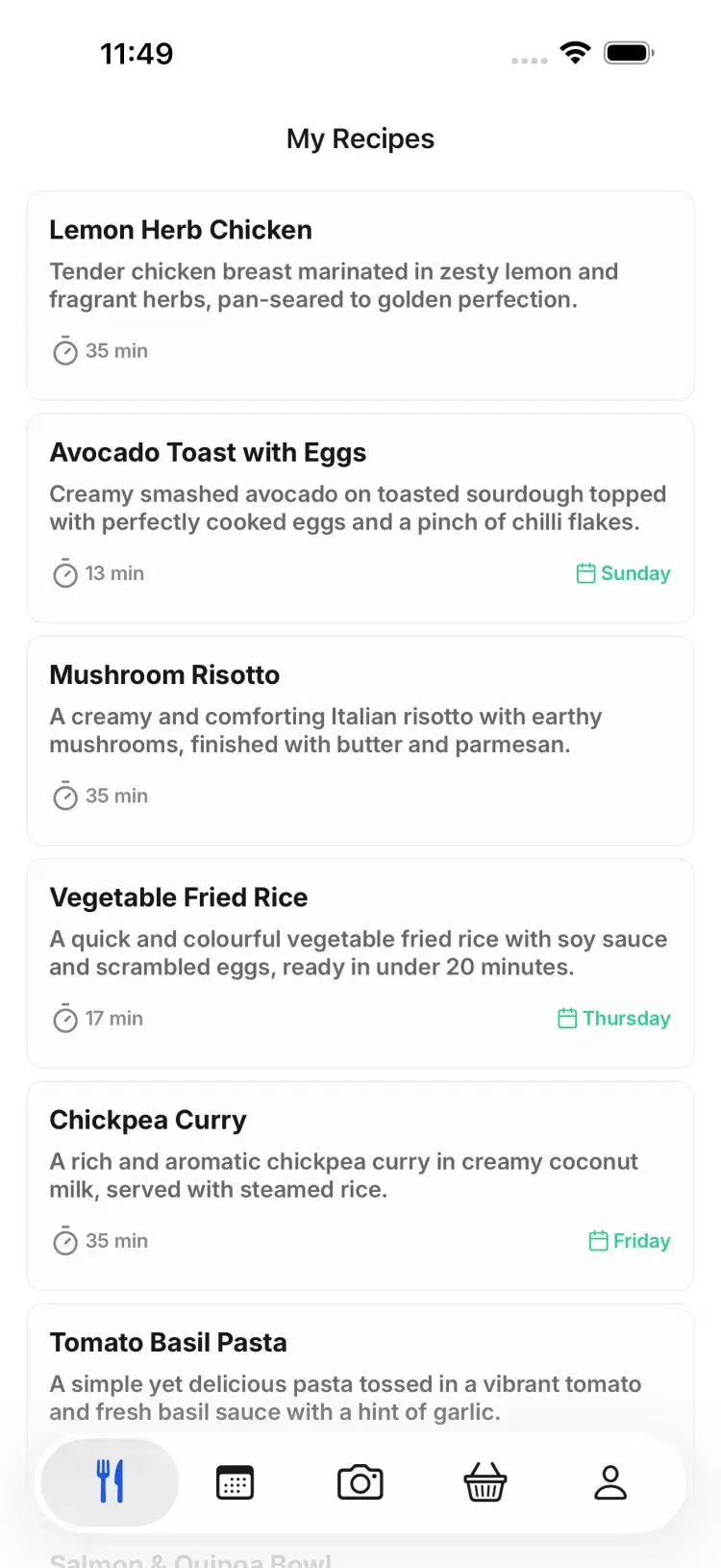
Dinner ideas built around your fridge, next to the recipes you saved.
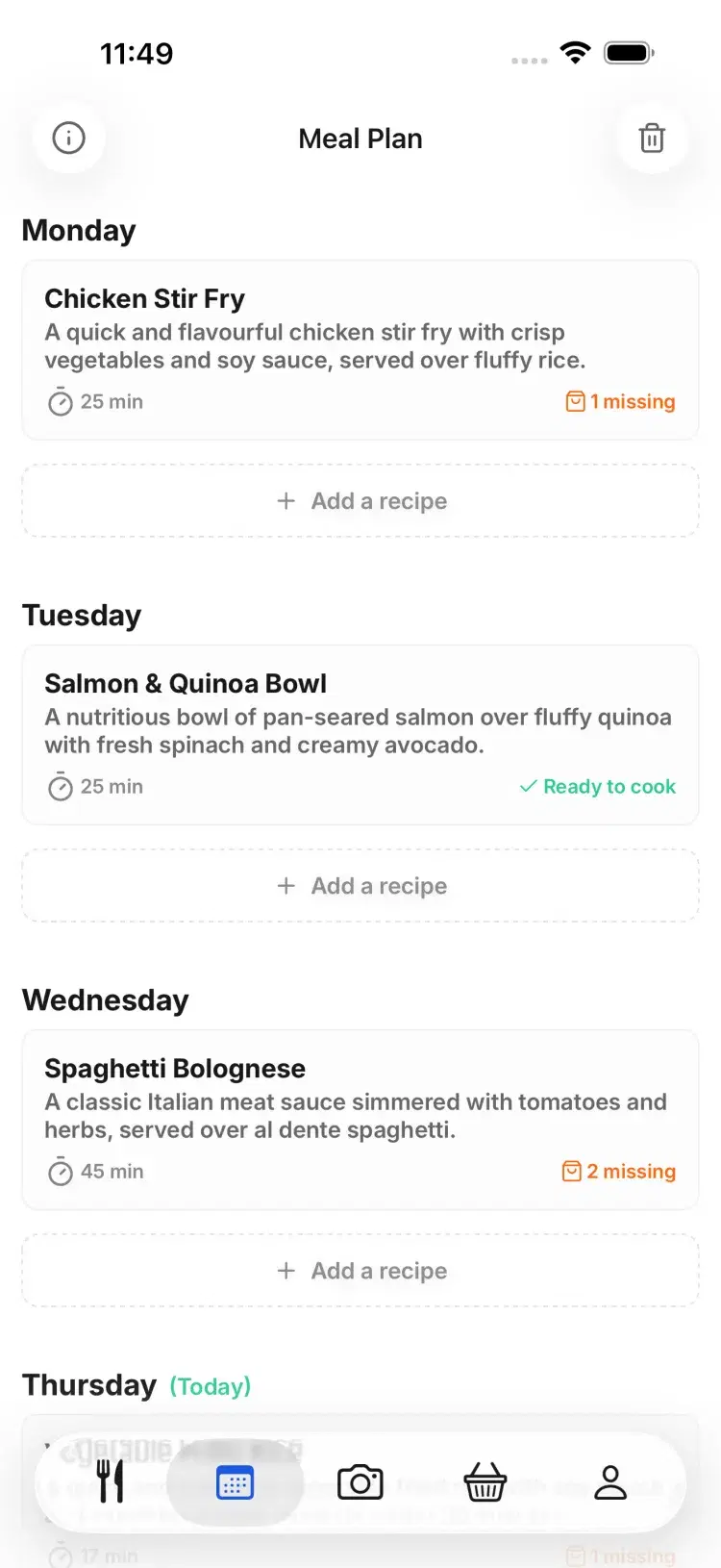
Your week on one screen. Drag a meal to another day, or swipe to move it.
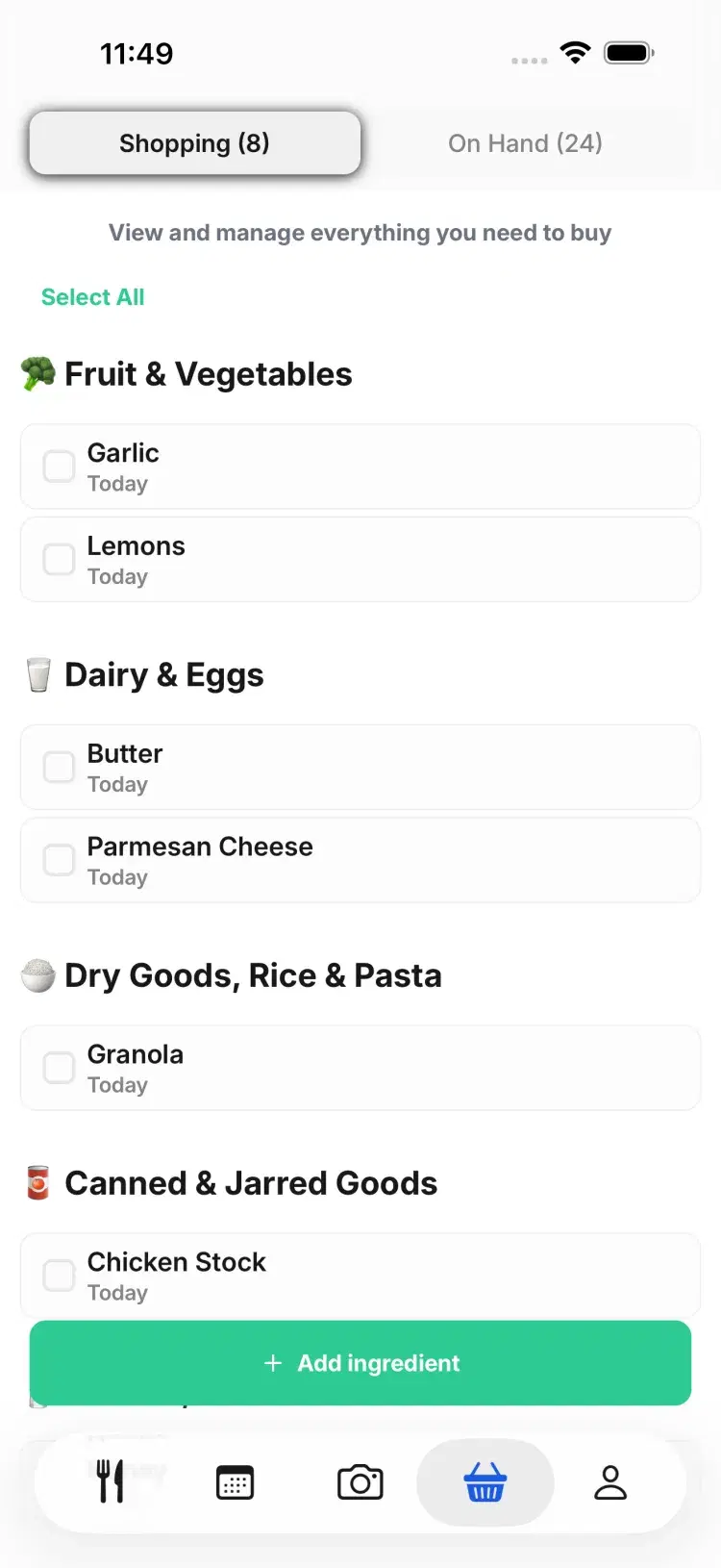
Add only the missing items, grouped by aisle.
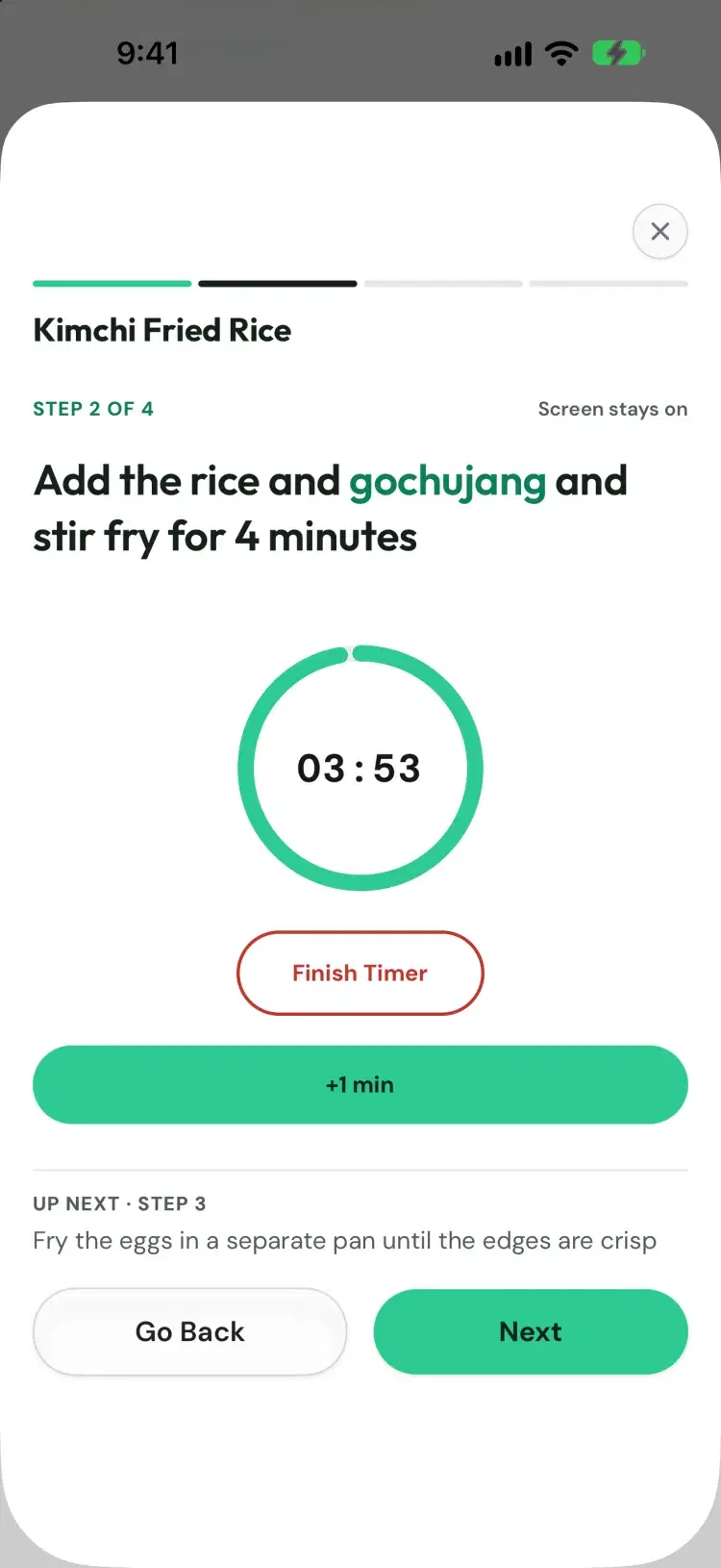
One step at a time, with timers built in.
Side by side
Pantry Pic and Paprika compared
Recipe library
Recipes you save, plus meals suggested from your ingredients
Recipes you save from the web or add yourself
Adding recipes
A photo, a link or pasted text
Built-in browser, bookmarklet and imports from apps such as MasterCook. Paprika 4, in open beta, adds photo, social media and clipboard import
Pantry
Built from a photo, a receipt or a barcode
You type items in. Paprika 4, in open beta, adds barcode scanning on mobile
Recipe ideas from what you have
Search your saved recipes by ingredient. Suggestions from your pantry are not described in the listings or site we checked
Meal planning
Add recipes to any day of your week
Daily, weekly or monthly calendars
Grocery list
Adds only the missing items, grouped by aisle
Sorted by aisle, combines duplicates and unchecks pantry items
Platforms
iPhone and Android
iPhone, iPad, Apple Watch, Android, Mac and Windows. Each version is sold separately
Price
Free tier with 4 scans a month, then a subscription or Lifetime
Paprika 3: US$4.99 one-off for iPhone and iPad, US$29.99 one-off for Mac, US$29.99 one-off for Windows before tax. On Android it is free for up to 50 recipes, with an in-app upgrade to the full version
Which one suits you
When Pantry Pic is the better pick
You want dinner ideas from what is already in the fridge.
You want your pantry filled from a photo or a receipt instead of typing it in.
You want to start on a free tier.
When Paprika is the better pick
You want Mac and Windows apps that work offline.
You want to pay once for Paprika 3 on each device type you use.
You want to import a collection from apps such as MasterCook or Living Cookbook. Pantry Pic imports one recipe at a time.
FAQ
Paprika questions
Paprika's news post of 28 September 2026 says Paprika 4 is in open beta for current users. It says premium features will need a subscription after the beta. We could not load Paprika's pricing FAQ when we checked on 29 October 2026, so we do not quote a Paprika 4 price.
Paprika 3 is, and each platform is sold separately. On 29 October 2026 the US stores and Paprika's site listed US$4.99 for iPhone and iPad, US$29.99 for Mac and US$29.99 for Windows. On Android it is free for up to 50 recipes, and an in-app purchase unlocks the full version.
Yes, if you add items yourself. Paprika's user guide says pantry items are unchecked when you add a recipe to the grocery list. Paprika 4, in open beta, adds barcode scanning. Pantry Pic fills the pantry from a photo, a receipt or a barcode and suggests recipes from it.
One at a time, from a link, a photo or pasted text. Each import uses 1 scan on the free tier. Pantry Pic cannot import a Paprika export file.
Pantry Pic has a free tier on iPhone and Android with 4 scans a month. It suggests recipes from a photo of your fridge and keeps the recipes you import.
Pantry Pic has a free tier on iPhone and Android with 4 scans a month. The cookbook, meal planner and shopping list are free. Pro is a subscription or a one-off Lifetime purchase.
If you want a recipe manager on your phone and your computer, Paprika is built for that. If you want ideas from what is in your fridge, start with a photo.
Sources: Paprika 3 on the App Store (iPhone and iPad), Paprika 3 on the Mac App Store, Paprika 3 on Google Play, Paprika for Windows, Paprika 3 user guide for iOS, Paprika 4 open betaPaprika is a trademark of its owner. This comparison is published by Pantry Pic, which is not affiliated with or endorsed by Paprika.Cook Something Amazing with What You Already Have
Join the movement to reduce food waste and make mealtime easier. Pantry Pic turns your pantry into a recipe book, one snap at a time
Download Pantry Pic directly from your preferred app store:
Free version available • Upgrade anytime
