
App comparison
MyFridgeFood vs SuperCook
Both apps do the same job in the same way: you tick what you have, they find recipes that match. The differences are in scale and polish. This page compares them honestly, then explains where Pantry Pic sits, which is somewhere else entirely.
Download Pantry Pic directly from your preferred app store:


Free on the App Store and Google Play
Inside Pantry Pic
Where Pantry Pic fits
If ticking ingredients is the part you dislike, this is the photo-first way to do the same job.
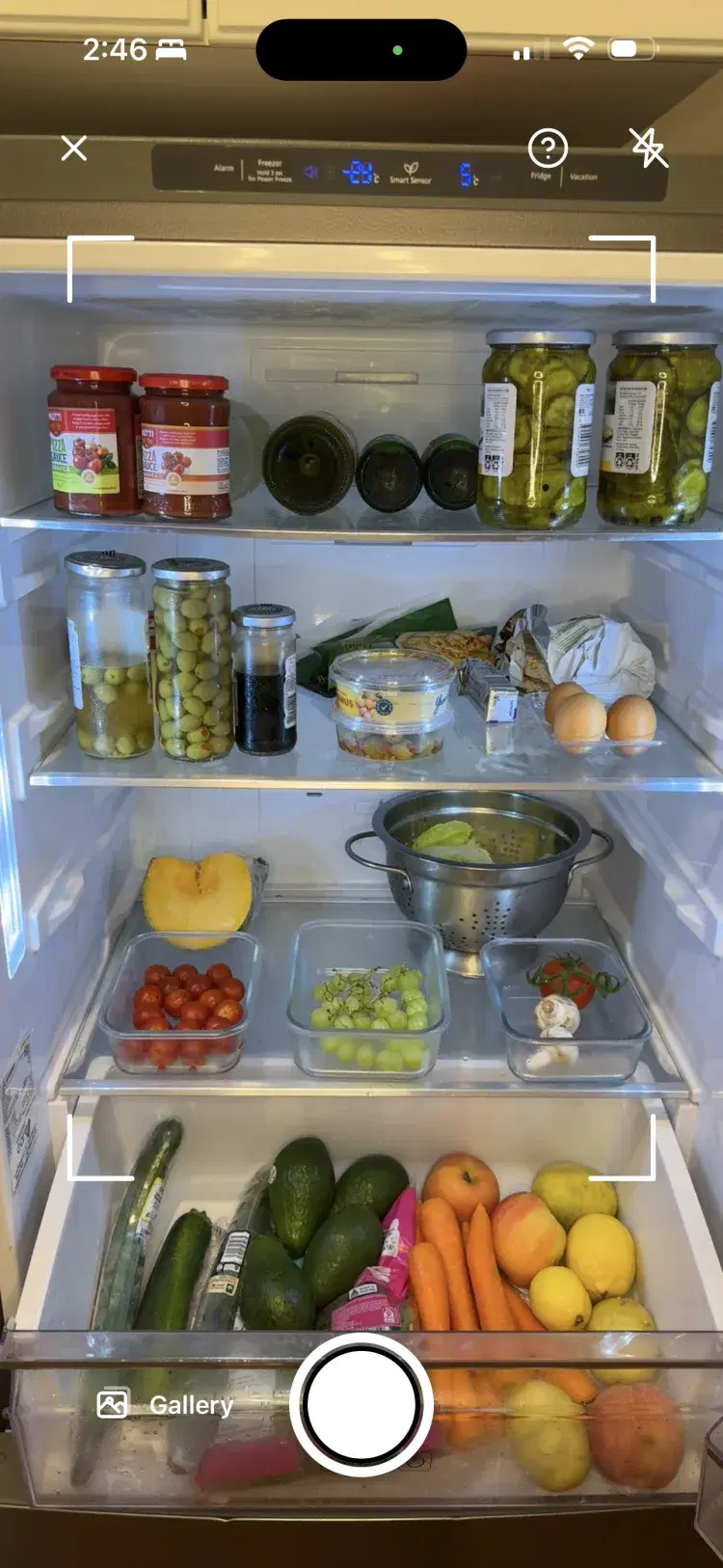
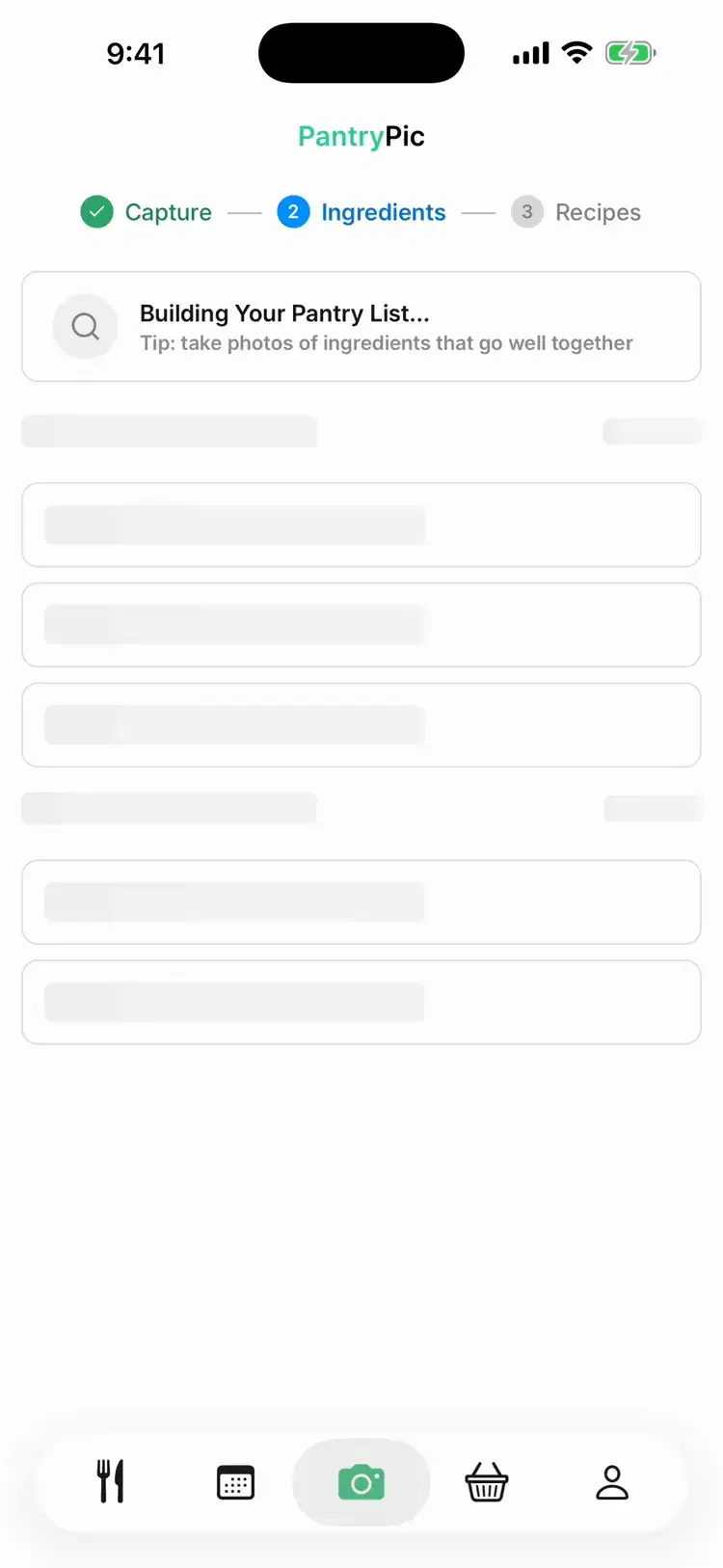
Point the camera at your fridge or pantry. Pantry Pic lists what it sees.
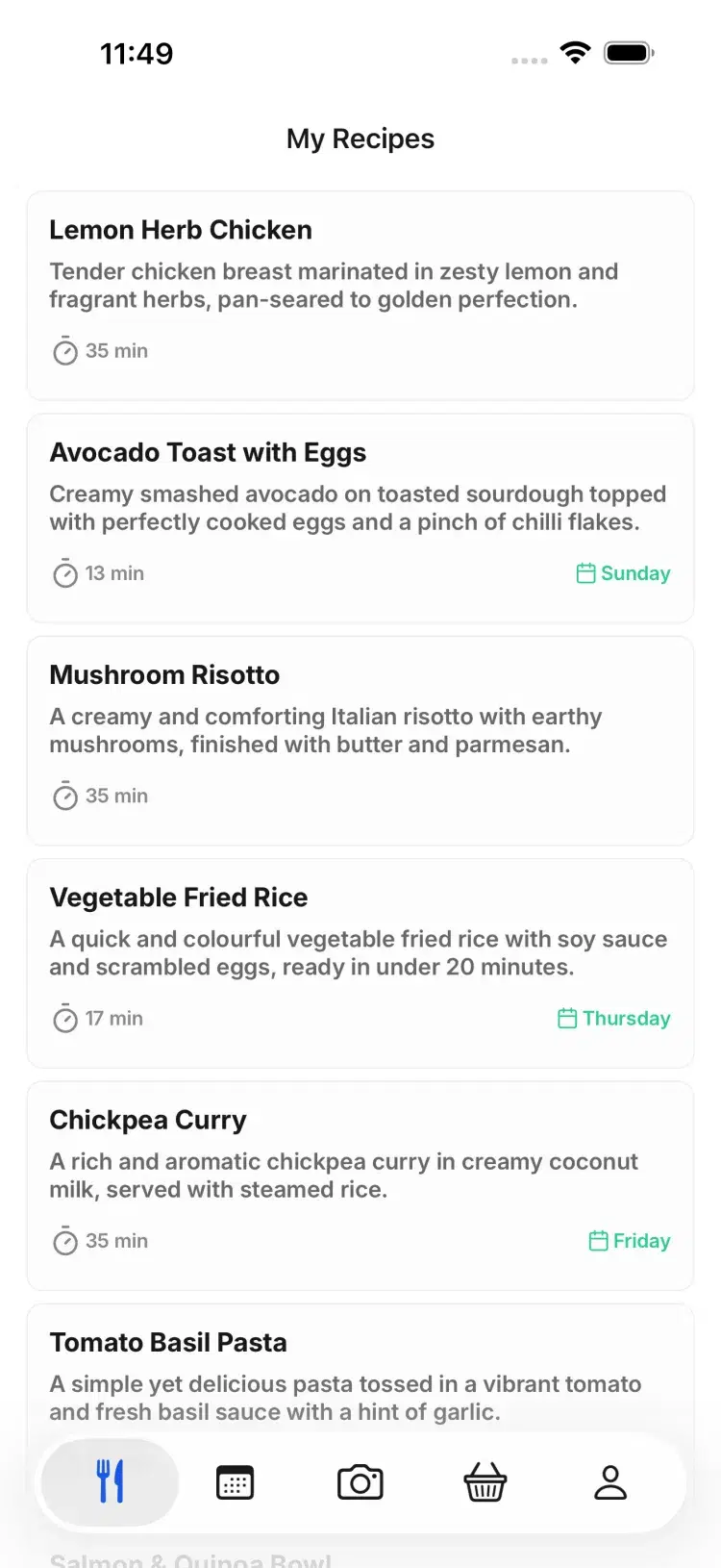
Dinner ideas that use what is already there, with what you are missing marked.
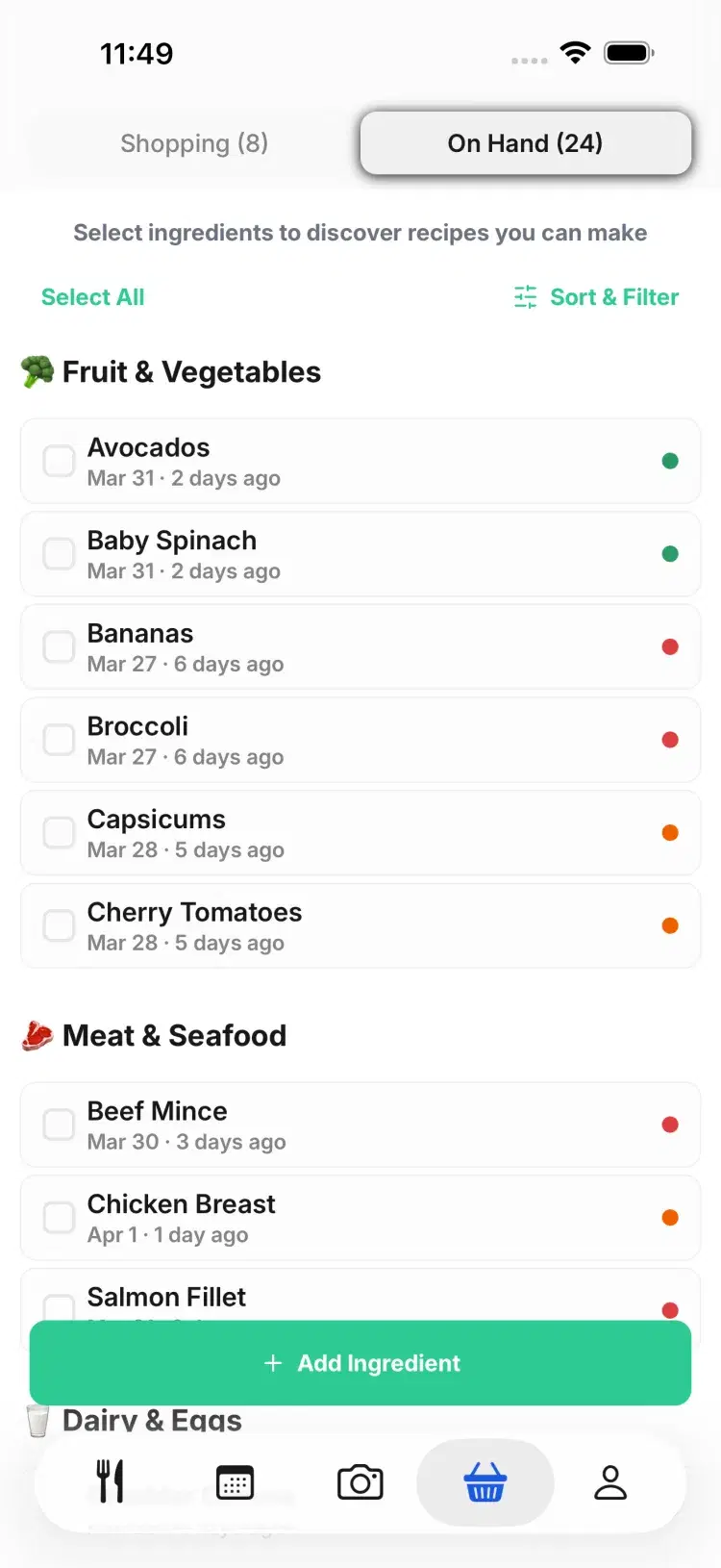
Your pantry shows what to cook first before it goes off.
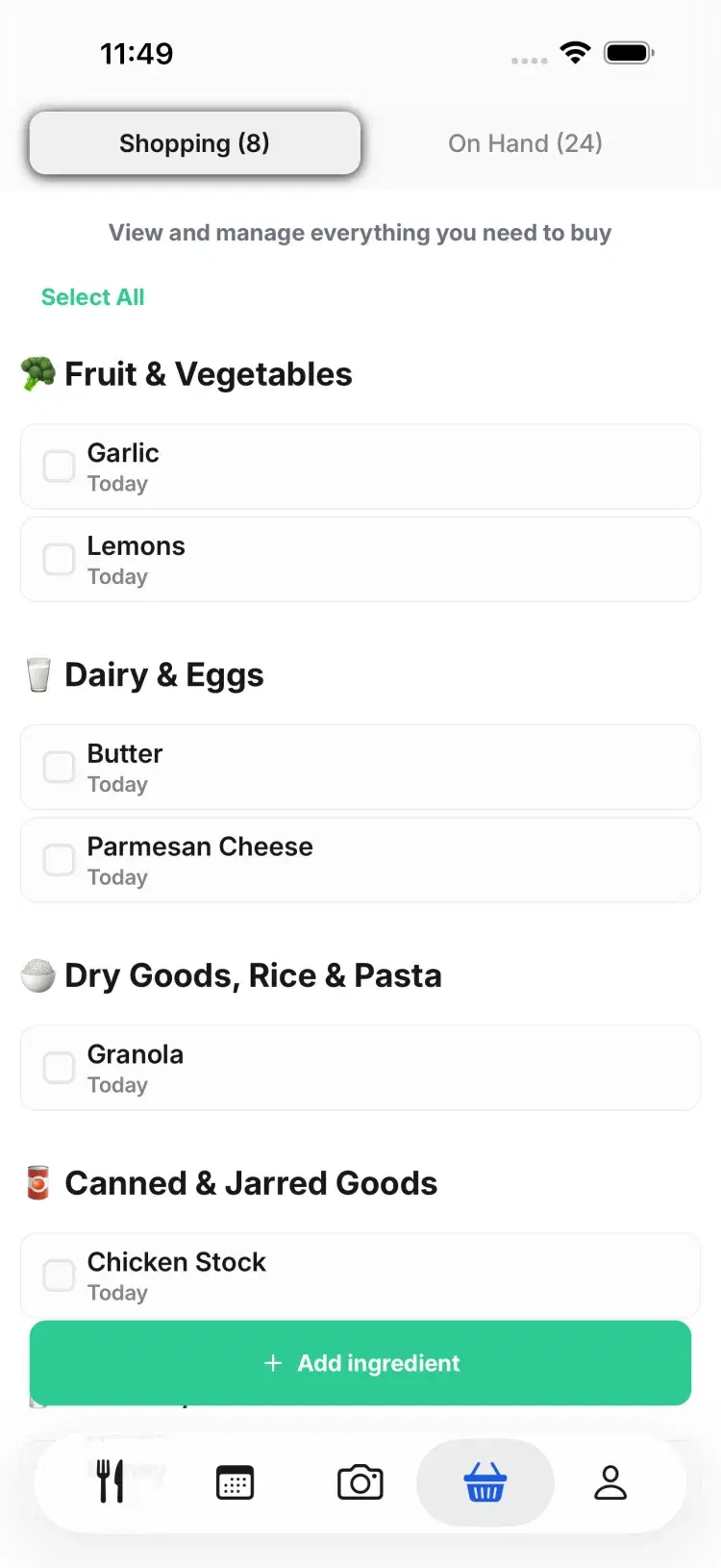
Only the missing items, grouped by aisle.
Side by side
MyFridgeFood and SuperCook compared
How you enter ingredients
Tick a grid of common ingredients
Tick, type or dictate by voice
Recipe library
Modest and long-standing
Over 11 million recipes pulled from food sites, across 20 languages
"Missing one ingredient" filter
Dietary filters
Minimal
Basic
Personalisation
Meal planning
Price
Free
Completely free, no subscription and no in-app purchases
Platforms
Web, iOS and Android
iOS, Android and web
Which one suits you
When MyFridgeFood is the better pick
MyFridgeFood is faster to grasp. One grid, tick, search, done, and it has barely changed in years because it does not need to.
It is the better pick for a quick browser search when you do not want to install anything.
There is real charm in how little it tries to do. No account, no onboarding, no personalisation to configure.
When SuperCook is the better pick
SuperCook has far more recipes, drawn from food sites across 20 languages and 20 cuisines.
Voice dictation adds ingredients hands-free, which matters when your hands are covered in flour.
The "missing one ingredient" filter surfaces recipes you are one item away from, which MyFridgeFood has no equivalent for.
Most of the active development sits on the web version, so that is where it feels newest.
FAQ
SuperCook questions
SuperCook has the larger recipe library, voice input and a "missing one ingredient" filter. MyFridgeFood is simpler and quicker to use in a browser. Neither personalises to you, and neither does meal planning.
Yes. As checked on 8 September 2026, MyFridgeFood is free and SuperCook has no subscription and no in-app purchases.
That is the step both apps require and the one Pantry Pic removes. It reads your ingredients from a photo of the fridge or pantry, a grocery receipt or a barcode scan, then builds recipes around them.
MyFridgeFood and SuperCook do not. Pantry Pic turns recipes into a weekly plan and collects the missing items into a shopping list.
If ticking boxes does not bother you, SuperCook is the stronger of the two and it costs nothing. If it does bother you, that is the whole reason a photo-first app exists.
Cook Something Amazing with What You Already Have
Join the movement to reduce food waste and make mealtime easier. Pantry Pic turns your pantry into a recipe book, one snap at a time
Download Pantry Pic directly from your preferred app store:
Free version available • Upgrade anytime
