
MyFridgeFood alternative
A MyFridgeFood alternative that reads your fridge from a photo
Snap the fridge and get dinner ideas for what is in it.
MyFridgeFood is a free website where you tick ingredients from a list and it finds user-submitted recipes. It also has iPhone and Android apps. Pantry Pic has a free tier on iPhone and Android. It suggests meals from a photo of your fridge, lets you plan your week and adds only the missing items to your list.
Download Pantry Pic directly from your preferred app store:


Free on the App Store and Google Play
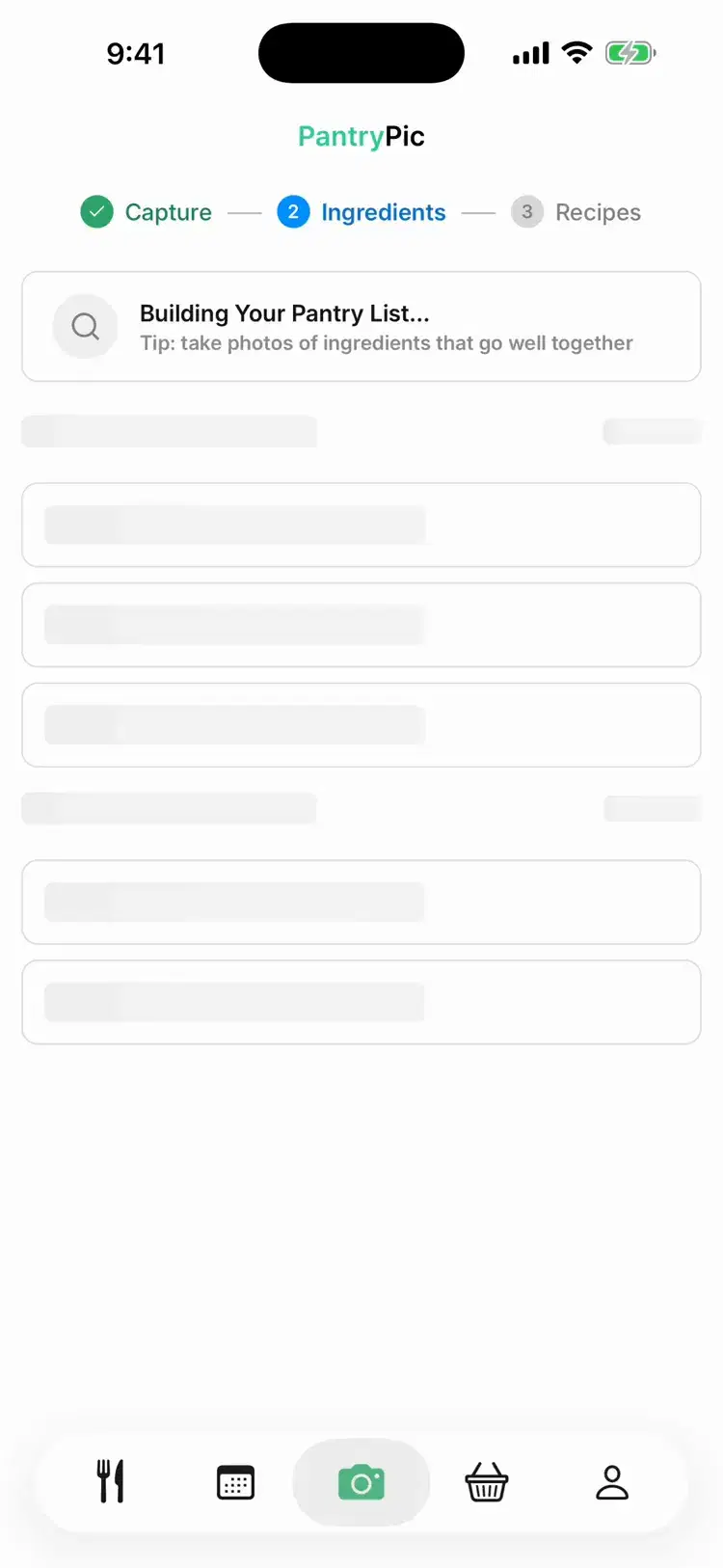
Inside Pantry Pic
Skip the checklist
What Pantry Pic does with a photo of your fridge.
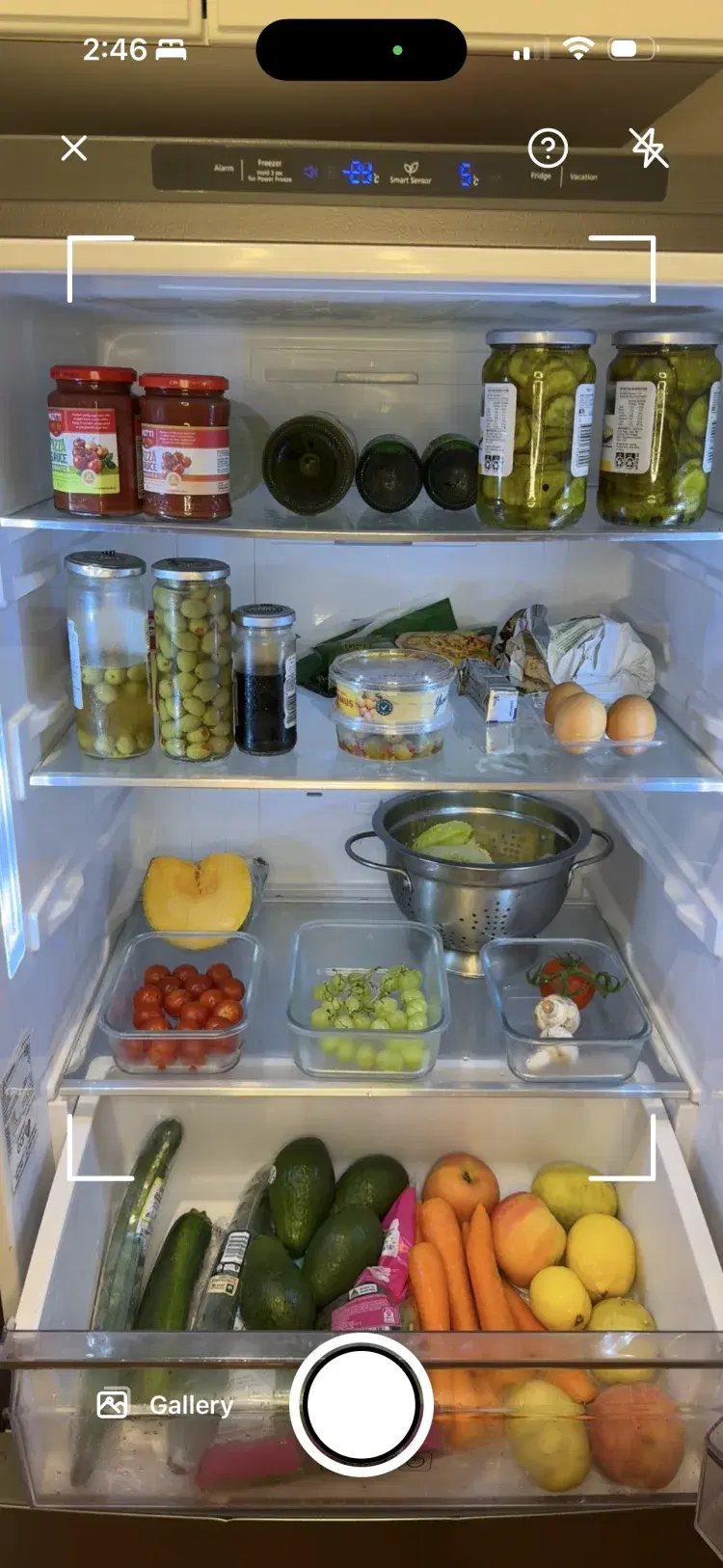
Point the camera at your fridge. Pantry Pic lists what it sees.
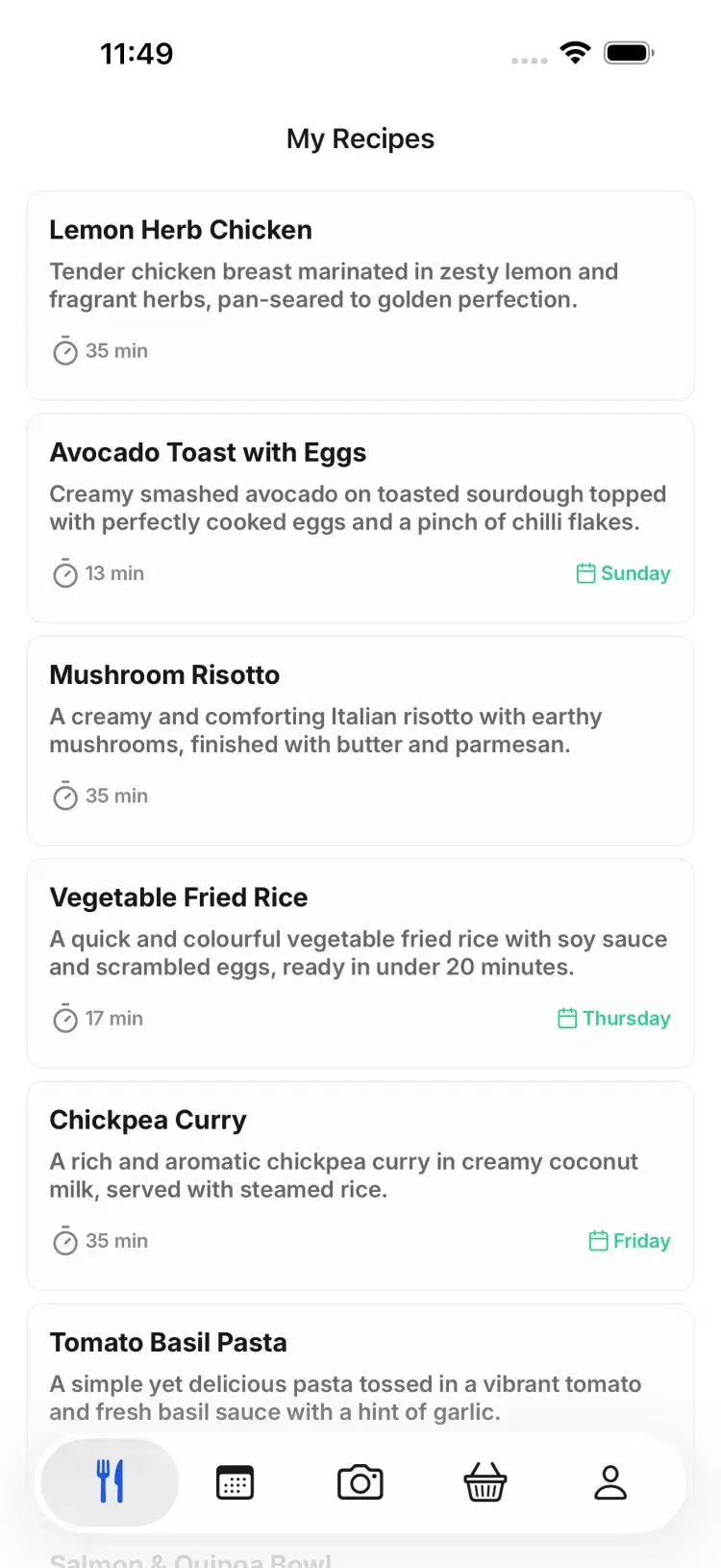
Dinner ideas that use what is already there.
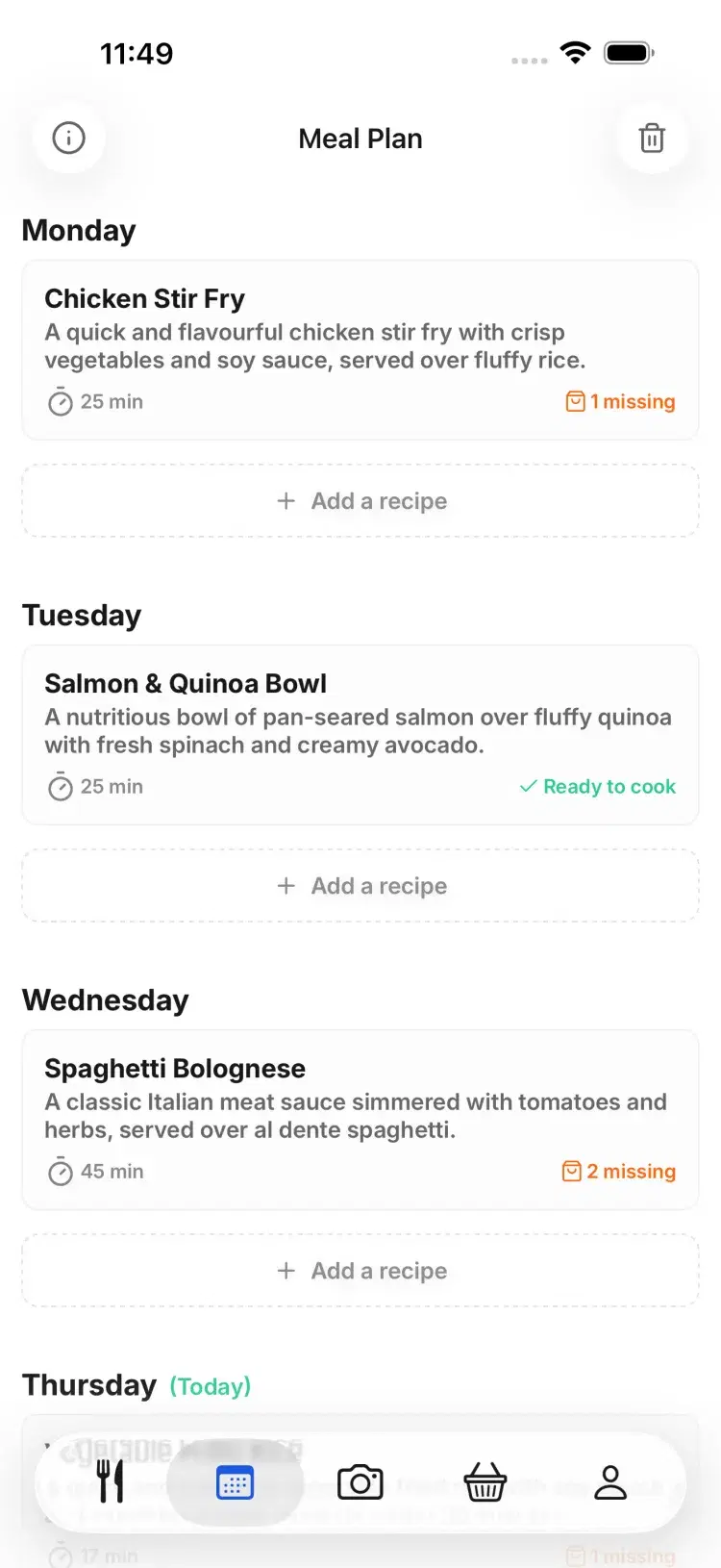
Add recipes to any day of your week. Drag a meal to another day, or swipe to move it.
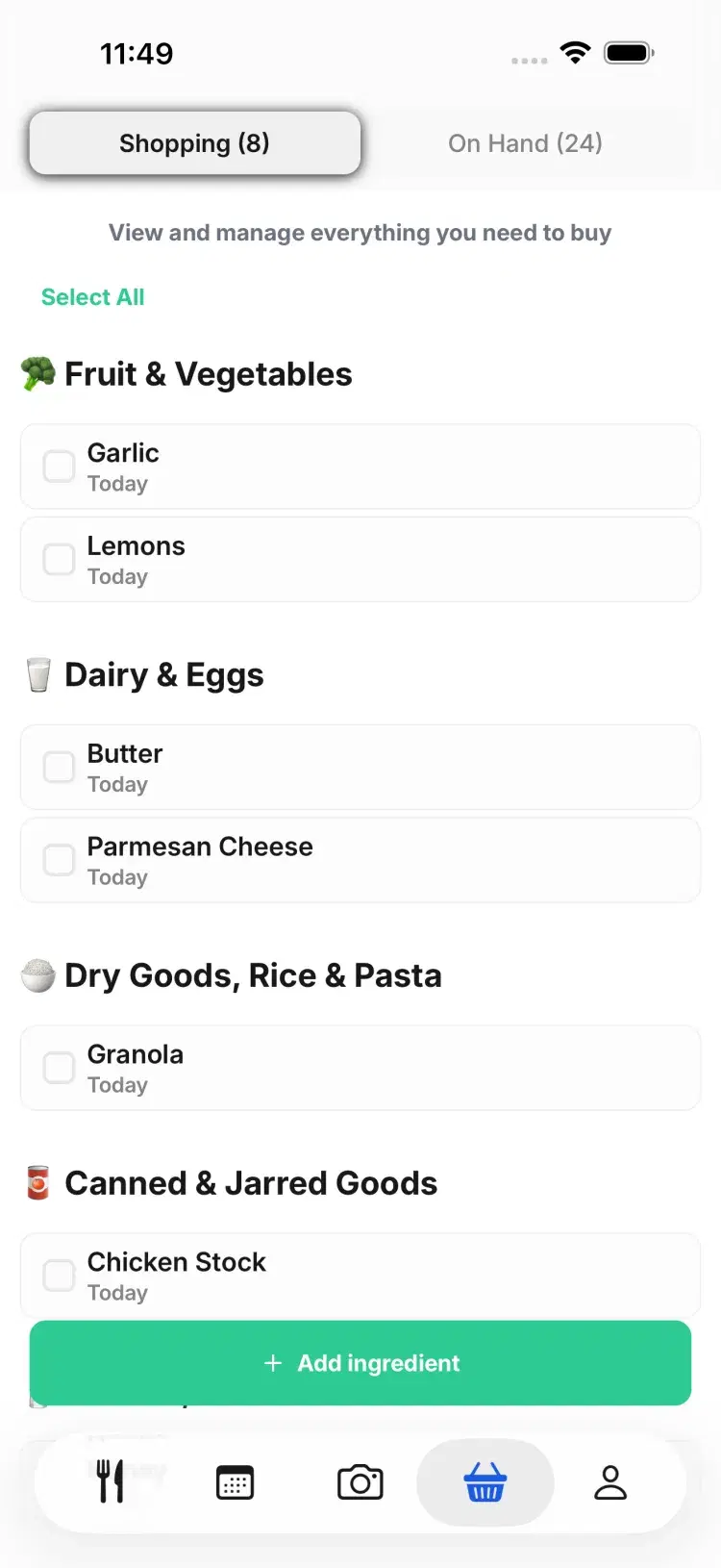
Add only the missing items, grouped by aisle.
Side by side
Pantry Pic and MyFridgeFood compared
How you tell it what you have
A photo of your fridge, a receipt or a barcode
Tick ingredients from the list on its website
Where recipes come from
Generated for the ingredients you have, plus recipes you import
User-submitted recipes
Saved recipes
A cookbook of saved and imported recipes
Bookmarks on its website
Meal planning
Add recipes to any day of your week
Not described on its website or store listings we checked
Shopping list
Adds only the missing items, grouped by aisle
Not described on its website or store listings we checked
Platforms
iPhone and Android
Web, iPhone and Android. Apps last updated February 2023 (iPhone) and November 2022 (Android)
Languages
9 languages
English
Price
Free tier with 4 scans a month, then a subscription or Lifetime
Free. No in-app purchases listed on the App Store or Google Play
Which one suits you
When Pantry Pic is the better pick
You would rather snap the fridge than tick boxes.
You want to plan your week and add only the missing items to your list.
You save recipes from links, pasted text or photos.
You want the app in a language other than English.
When MyFridgeFood is the better pick
You want a quick search in a web browser.
You want it free, with no in-app purchases listed in the app stores.
You prefer recipes submitted by home cooks, and want to submit your own.
You want to filter recipes by nutrition, such as fat or calories.
FAQ
MyFridgeFood questions
Yes. The website was live when we checked on 29 October 2026. Its App Store listing shows the iPhone app was last updated in February 2023. Its Google Play listing shows the Android app was last updated in November 2022.
Yes. Its website and apps are free to use. Its App Store and Google Play listings, checked on 29 October 2026, show no in-app purchases.
On its website you tick ingredients from its list. Adding an ingredient that is not on the list is not described on the website or store listings we checked. Pantry Pic reads ingredients from a photo of your fridge, a receipt or a barcode.
SuperCook also matches recipes to ingredients you pick, and is free on the web, iPhone and Android. Pantry Pic suits you if you would rather take a photo of your fridge and plan your week. It has a free tier.
Pantry Pic has a free tier on iPhone and Android with 4 scans a month. The cookbook, meal planner and shopping list are free. Pro is a subscription or a one-off Lifetime purchase.
MyFridgeFood is a simple, free way to ask "what can I make with this?" If you would rather ask with a photo, start with Pantry Pic.
Sources: MyFridgeFood website, MyFridgeFood on the App Store, MyFridgeFood on Google PlayMyFridgeFood is a trademark of its owner. This comparison is published by Pantry Pic, which is not affiliated with or endorsed by MyFridgeFood.Cook Something Amazing with What You Already Have
Join the movement to reduce food waste and make mealtime easier. Pantry Pic turns your pantry into a recipe book, one snap at a time
Download Pantry Pic directly from your preferred app store:
Free version available • Upgrade anytime
