
Guided Cooking
Step-by-Step Instructions That Keep You on Track
Follow clear, numbered steps with built-in timers. Never lose your place or miss a step again.
Whether you're a beginner or experienced cook, step-by-step guidance makes every recipe easier to execute.
Free on the App Store and Google Play
Cooking Should Be Enjoyable, Not Stressful
Long recipe paragraphs are hard to follow while cooking. Step-by-step instructions let you focus on one thing at a time.
Each instruction is clearly numbered and displayed. Complete one step, tap to move on. No scrolling, no getting lost.
When a step says "simmer for 15 minutes", start a timer with one tap. Get alerts even if your phone is locked.
Steps include visual cues and technique tips. Know exactly what to look for at each stage of cooking.
Timers That Just Work
Never overcook or undercook again. Built-in timers keep your cooking on schedule.
Multiple Timers
Run several timers simultaneously for complex recipes with overlapping steps.
Loud Alerts
Get notified when time is up, even with your phone on silent or in another room.
Background Running
Timers keep running when you lock your phone or switch apps.
More Features
Designed for Real Cooking
Every feature is built for when your hands are messy and you're mid-recipe.
Mark steps complete as you go. If you get interrupted, pick up exactly where you left off.
View the full ingredient list anytime without losing your place in the steps.
Know exactly how long a recipe takes before you start. Plan your cooking around your schedule.
Large buttons and easy-tap interface. Navigate steps without covering your phone in flour.
Instructions include technique explanations so new cooks learn as they go.
See Step-by-Step in Action
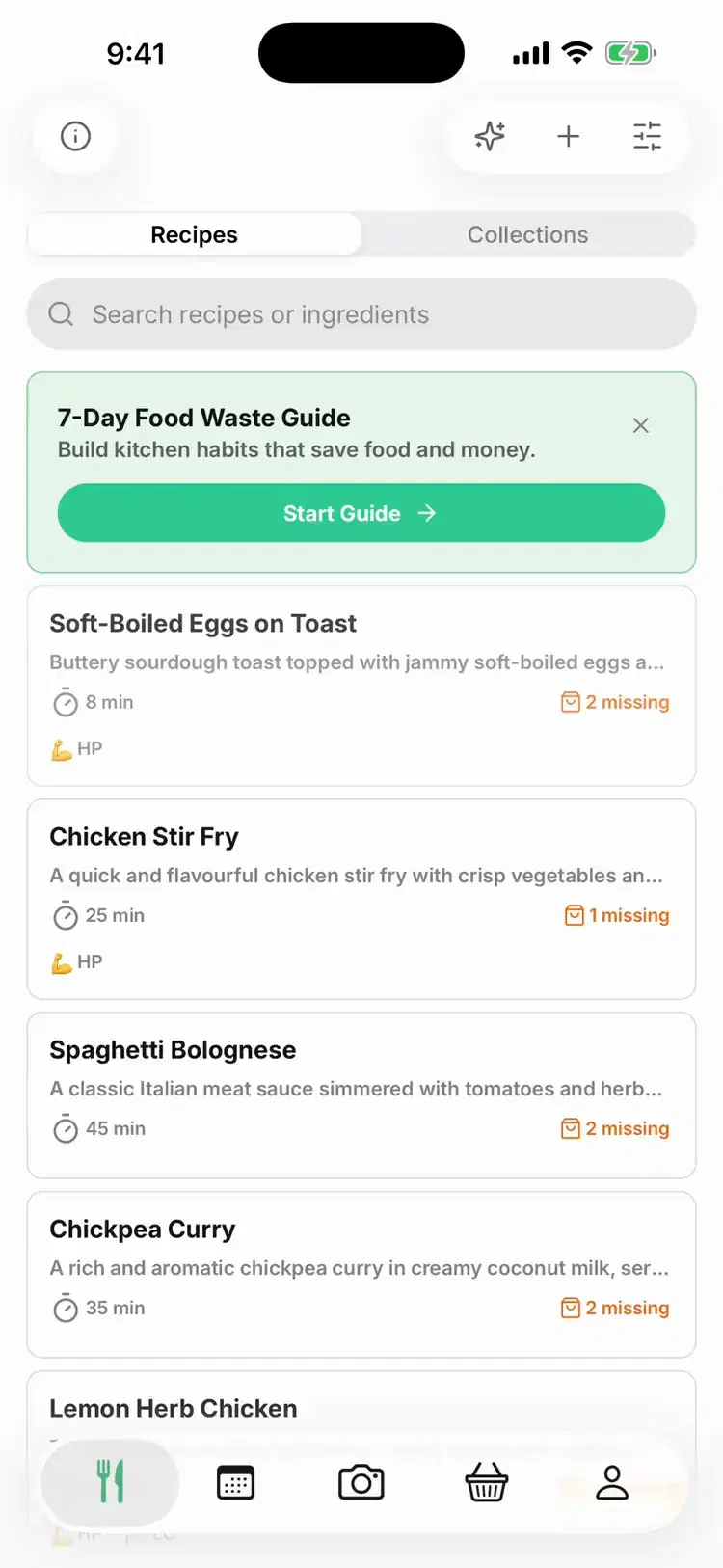
Watch how easy it is to follow a recipe from start to finish
Common Questions
Step-by-Step Cooking FAQ
Learn how guided cooking instructions work in Pantry Pic
Cook Something Amazing with What You Already Have
Join the movement to reduce food waste and make mealtime effortless. Pantry Pic turns your pantry into a recipe book — one snap at a time
Download Pantry Pic directly from your preferred app store:


Free version available • Upgrade anytime
