
TapCook alternative
A free TapCook alternative for iPhone and Android
Plan dinners from what is already in your kitchen. Pantry Pic has a free tier.
TapCook is a US-only weekly dinner planner that estimates your shopping total at your store. Planning needs a subscription of $9.99 a month or $29.99 a year. Pantry Pic has a free tier on iPhone and Android. It suggests meals from a photo of your fridge, plans your week and lists only the missing items.
Download Pantry Pic directly from your preferred app store:


Free on the App Store and Google Play
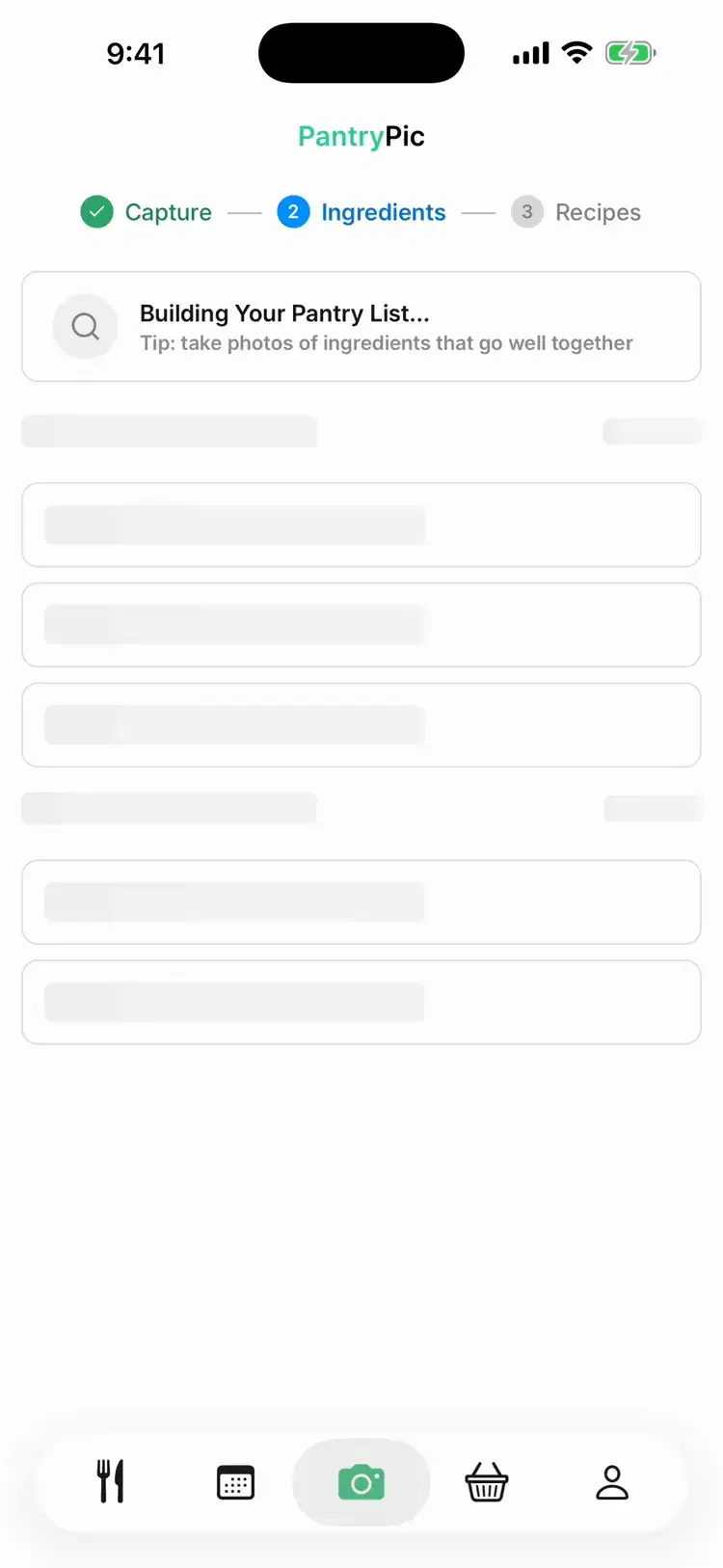
Inside Pantry Pic
Plan your week from what you have
Inside Pantry Pic, from fridge to plan to list.
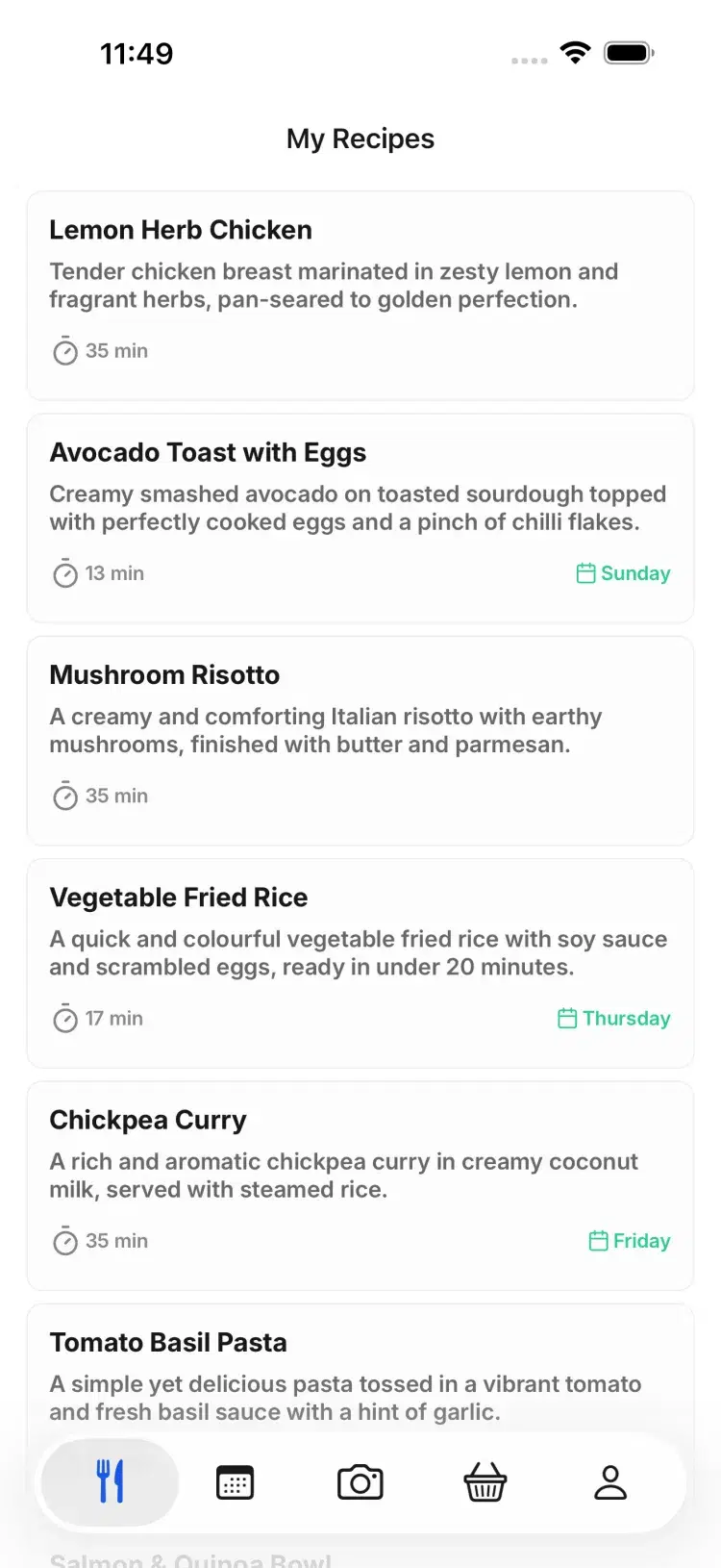
Dinner ideas built around your fridge, next to the recipes you saved.
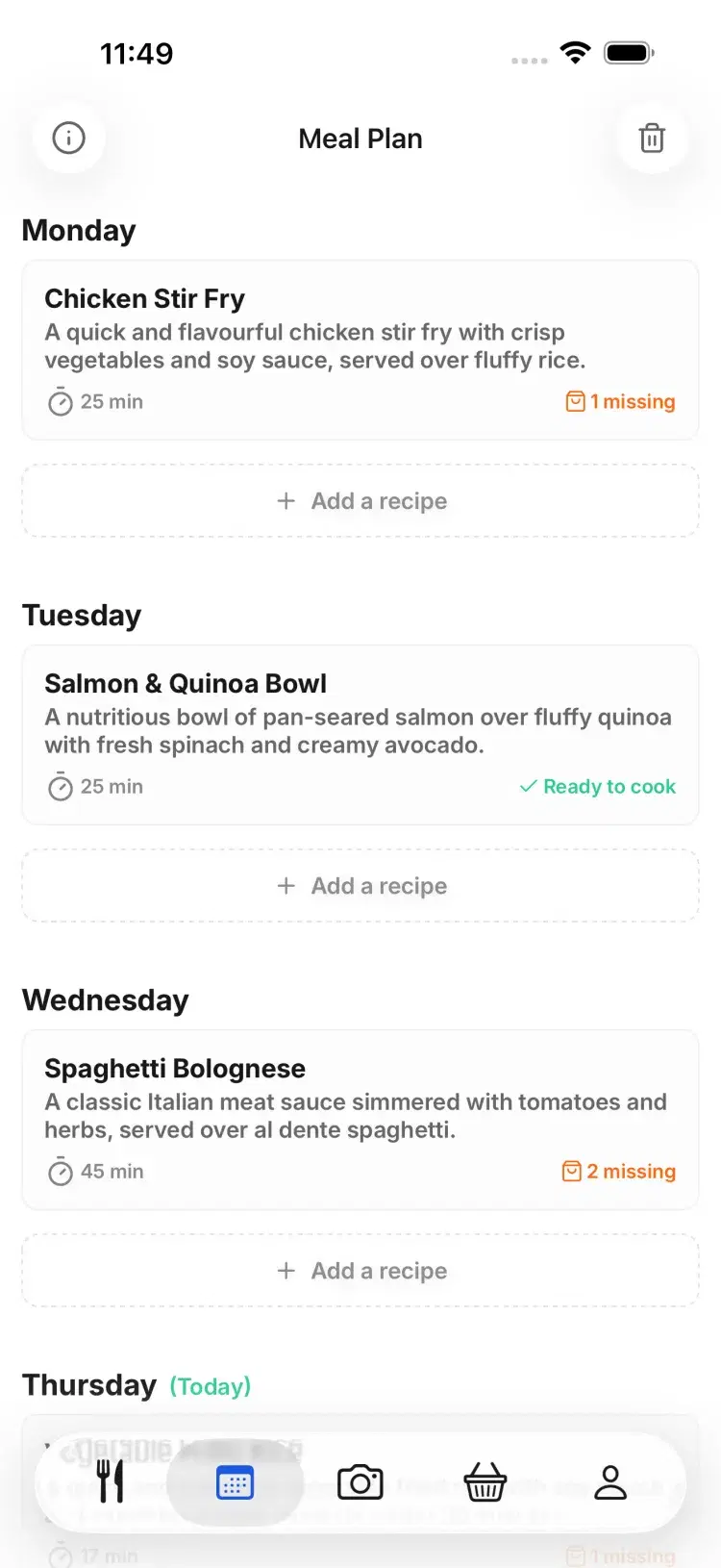
Your week on one screen. Move a meal to another day in a tap.
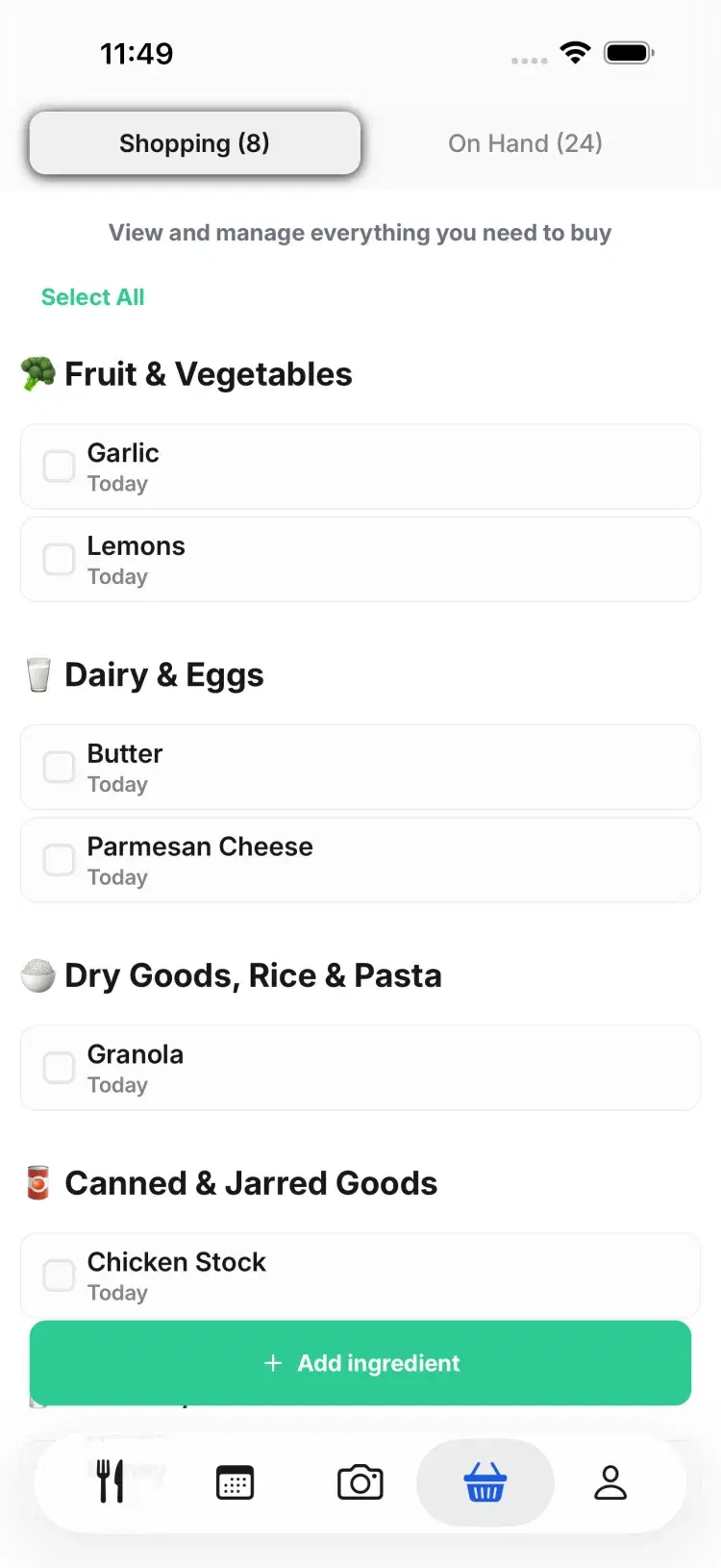
Only the missing items, grouped by aisle.
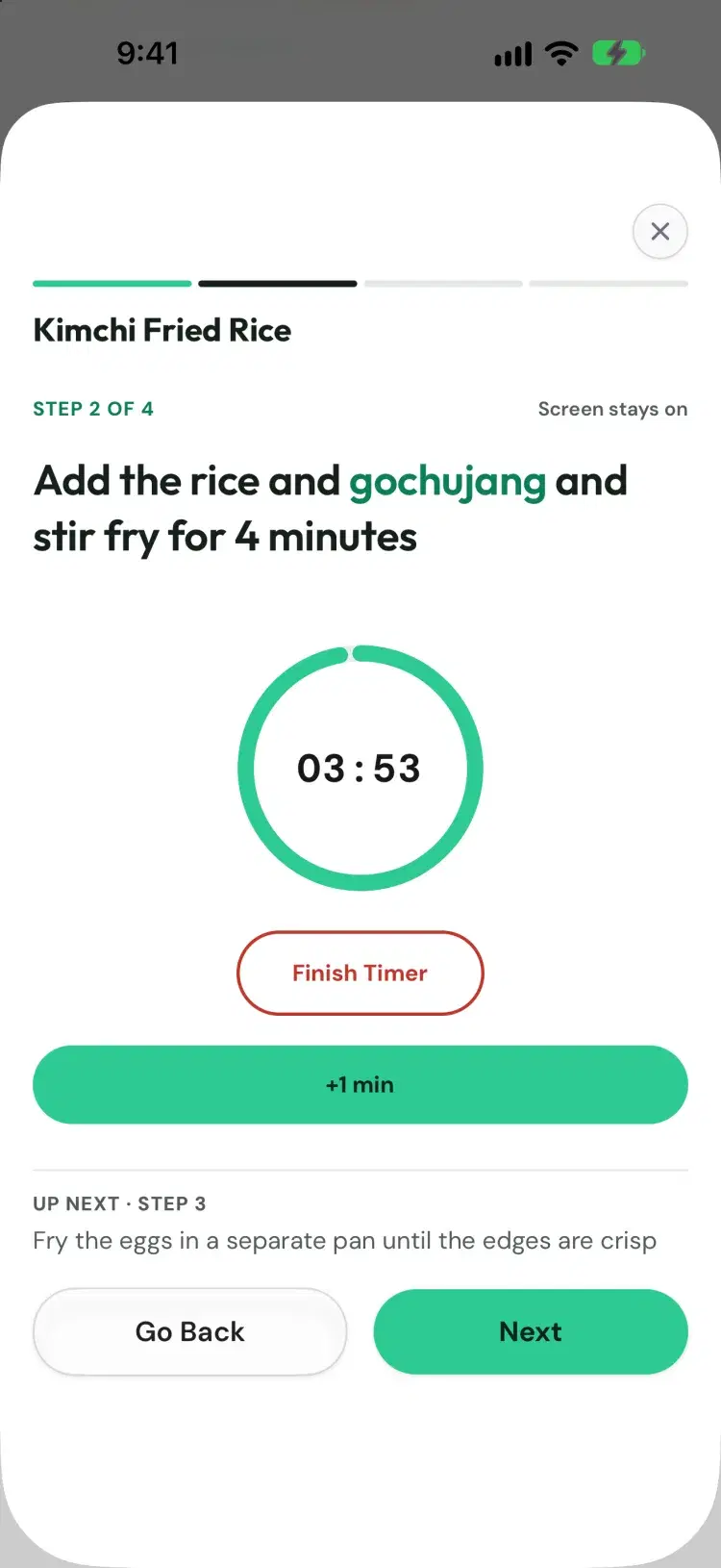
One step at a time, with timers built in.
Side by side
Pantry Pic and TapCook compared
How you tell it what you have
A photo of your fridge, a receipt or a barcode
Tick the pantry staples you have
What it plans
Any meal, any day
Weekly dinners for the nights you cook
Store price estimates
An estimated total at your store
Shopping list
Only the missing items, grouped by aisle
One list grouped by aisle
Recipe import
A photo, a link or pasted text
Not mentioned in its current listing
Where it works
iOS and Android, in 9 languages
iOS and Android, US only
Price
Free tier, then subscription or Lifetime
Subscription needed to plan: $9.99 a month or $29.99 a year
Which one suits you
When Pantry Pic is the better pick
You live outside the US.
You want to start on a free tier.
You want meals built from what is already in the fridge.
You keep recipes from links and photos.
When TapCook is the better pick
You want an estimated grocery total priced at your own store.
You only want dinners planned, with skipped nights and two-week shops built in.
You want one subscription shared by your household.
FAQ
TapCook questions
No. As checked on 21 October 2026, building and viewing weekly meal plans needs a TapCook subscription, at $9.99 a month or $29.99 a year with a 7-day trial on the yearly plan.
Yes, and on iPhone. It is available in the US only.
TapCook relaunched as a new app in August 2026, focused on weekly dinner plans priced at your store. Its current listing does not mention importing recipes from videos.
Pantry Pic has a free tier on iPhone and Android. It plans your week from what is in your fridge and builds a list of only the missing items.
Yes. Paste a link or take a photo of a recipe, and it becomes a recipe you can edit and scale.
Pantry Pic has a free tier on iPhone and Android, then a subscription or a one-off Lifetime plan.
If store-priced dinner plans are what you need, TapCook is built for them. If you want to cook from what you have, start with a photo.
Sources: TapCook on the App Store, TapCook on Google PlayCook Something Amazing with What You Already Have
Join the movement to reduce food waste and make mealtime easier. Pantry Pic turns your pantry into a recipe book, one snap at a time
Download Pantry Pic directly from your preferred app store:
Free version available • Upgrade anytime
