
Pantry Reset
Make dinner from what you already have
Pick one ingredient you’d like to use soon, pair it with something from the pantry and find a recipe you’d actually want to make.
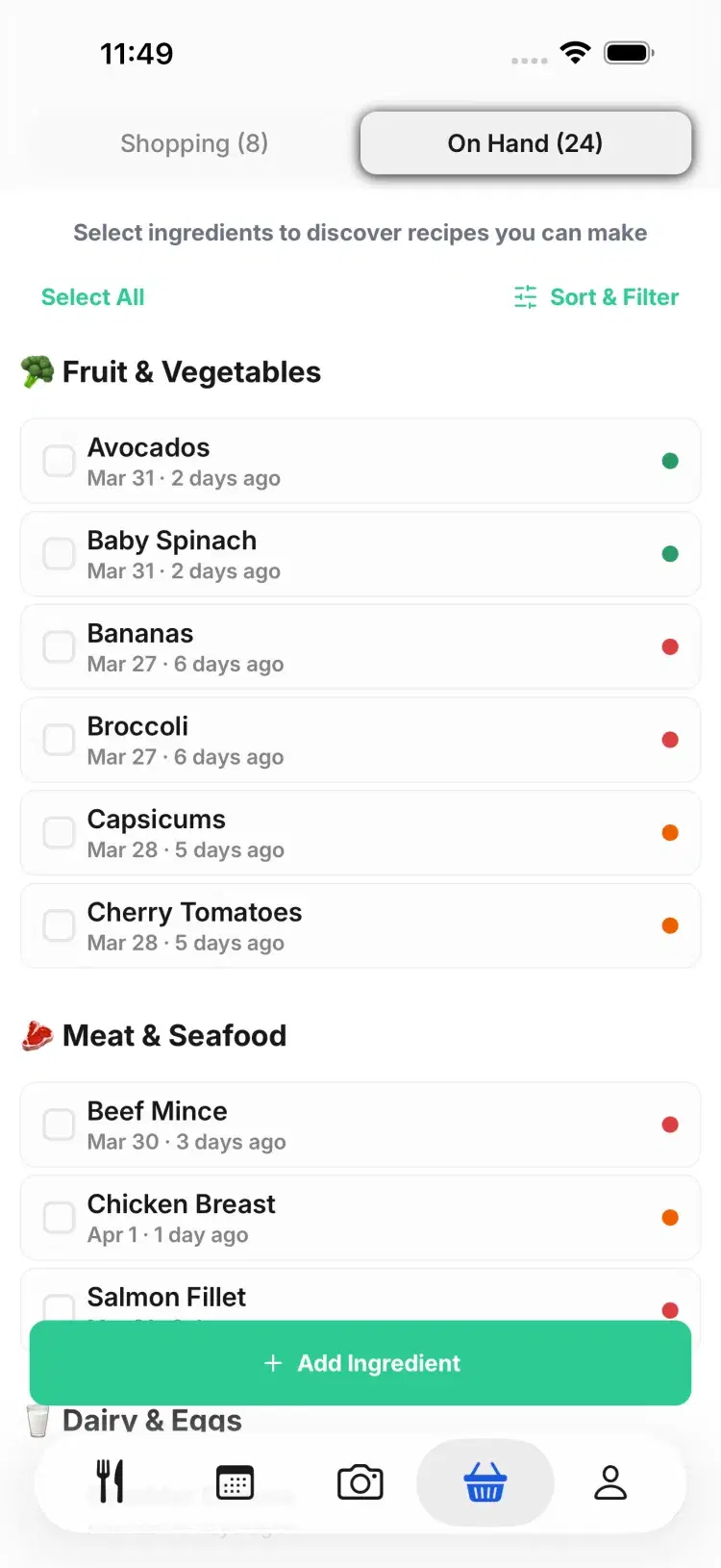
You don’t need to plan the whole week
Choose one dinner and check the recipe against what you have before you go shopping.
Choose something to use first
Check the Use First section in your Pantry for food to use soon, or start with an ingredient you already know needs using.
Add a staple
Look for something you usually keep on hand, like a tin of chickpeas, pasta, rice or eggs.
Check the recipe before you shop
Read through the ingredients and add only the things you don’t already have to your shopping list.
From the developer
When the fridge is full and dinner still isn’t obvious
I’m Dylan, the developer behind Pantry Pic. The problem I wanted to tackle was the moment you open the fridge, see plenty of odds and ends and still can’t think of dinner. A good suggestion gives you a starting point and helps you use something you already bought.
Take a photo of your ingredients and get recipe ideas
Open Pantry Pic to take a photo, or enter your ingredients in the web tool.
Get Pantry PicTry the What can I cook? web tool