
SuperCook alternative
A SuperCook alternative that reads your fridge from a photo
Skip the ingredient checklist. Snap your fridge and get recipes for what is there.
SuperCook is the long-standing benchmark in this category and it is completely free. The one thing it asks of you every single time is that you tell it what you have. Pantry Pic starts from a photo instead.
Lade Pantry Pic direkt aus deinem bevorzugten App Store herunter:


Free on the App Store and Google Play
Inside Pantry Pic
No ticking boxes. Just a photo.
What Pantry Pic does instead of an ingredient checklist.
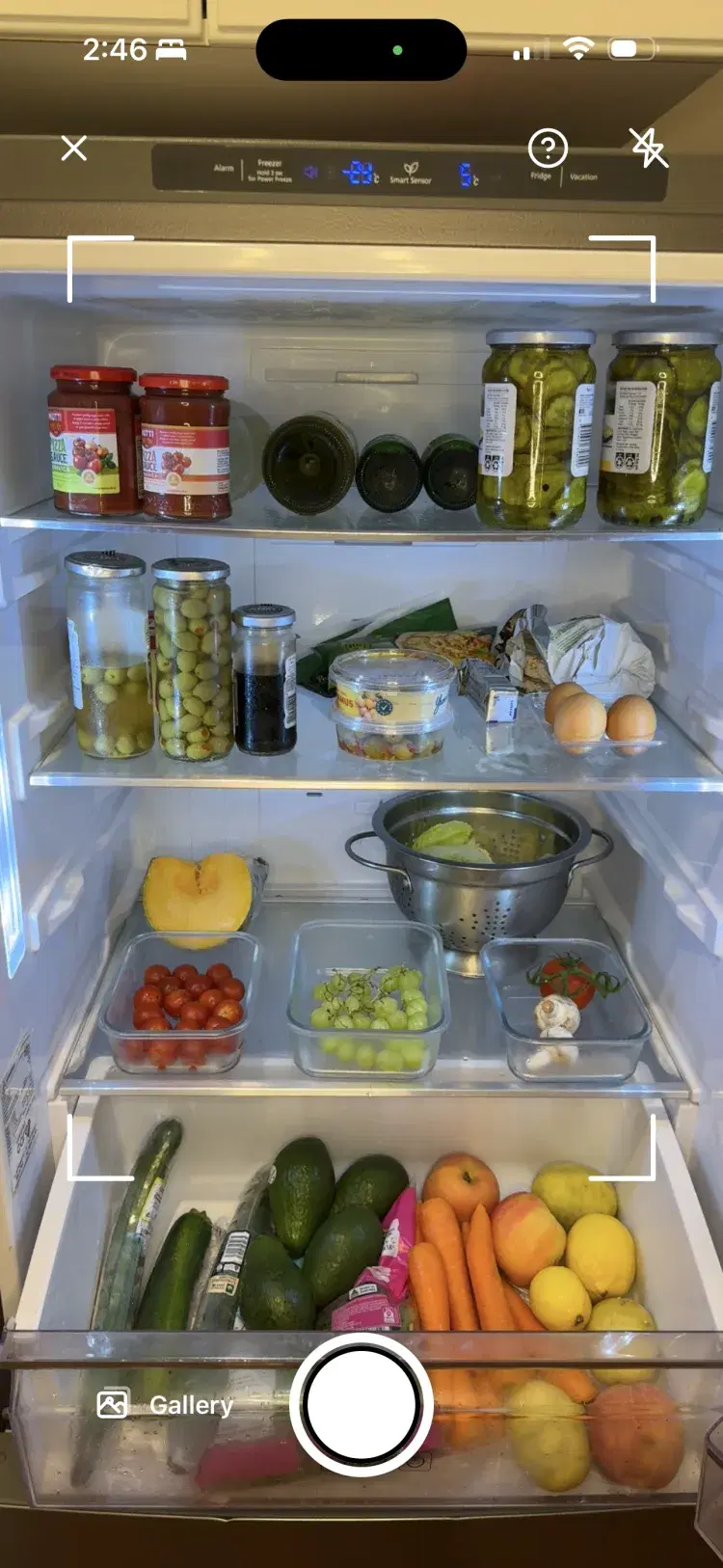
Point the camera at your fridge or pantry. Pantry Pic lists what it sees.
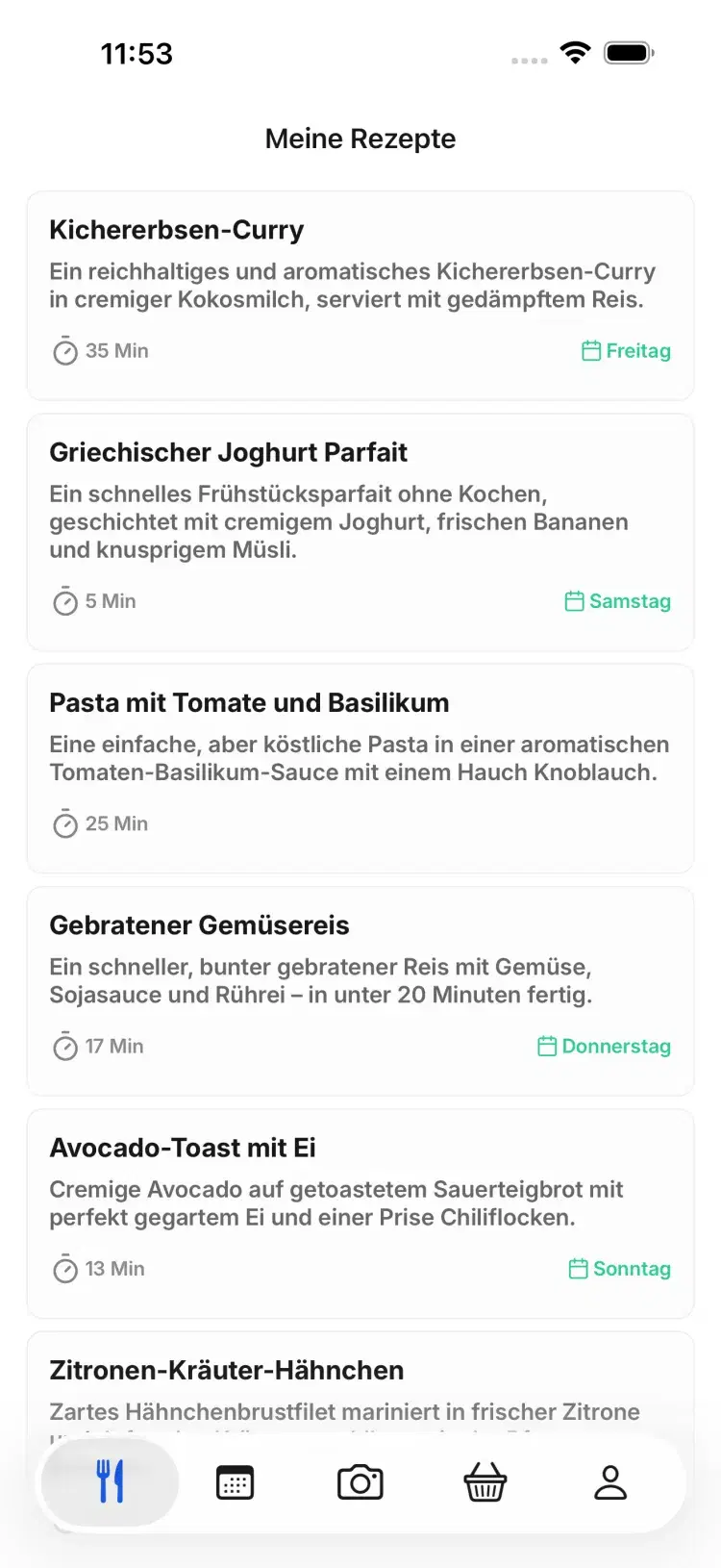
Dinner ideas that use what is already there, with what you are missing marked.
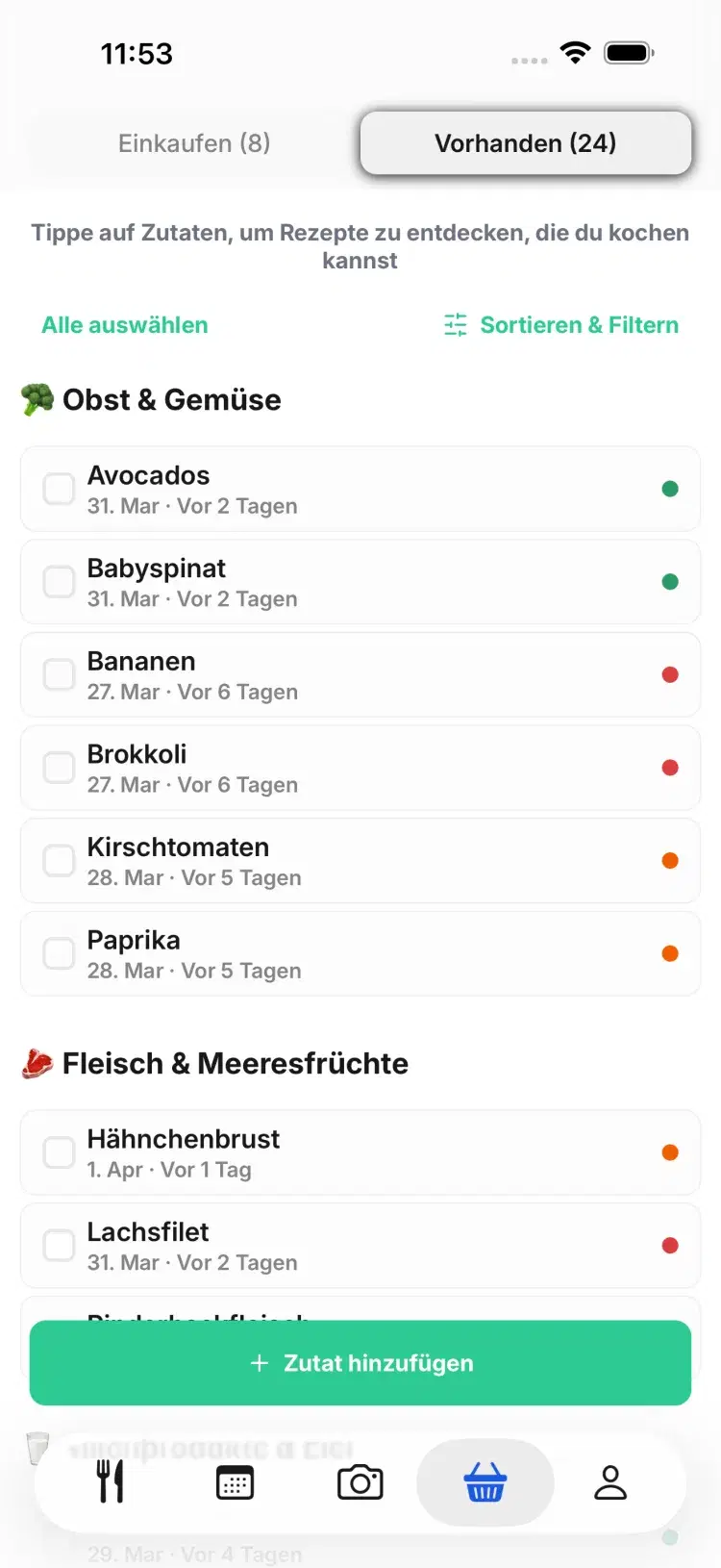
Your pantry shows what to cook first before it goes off.
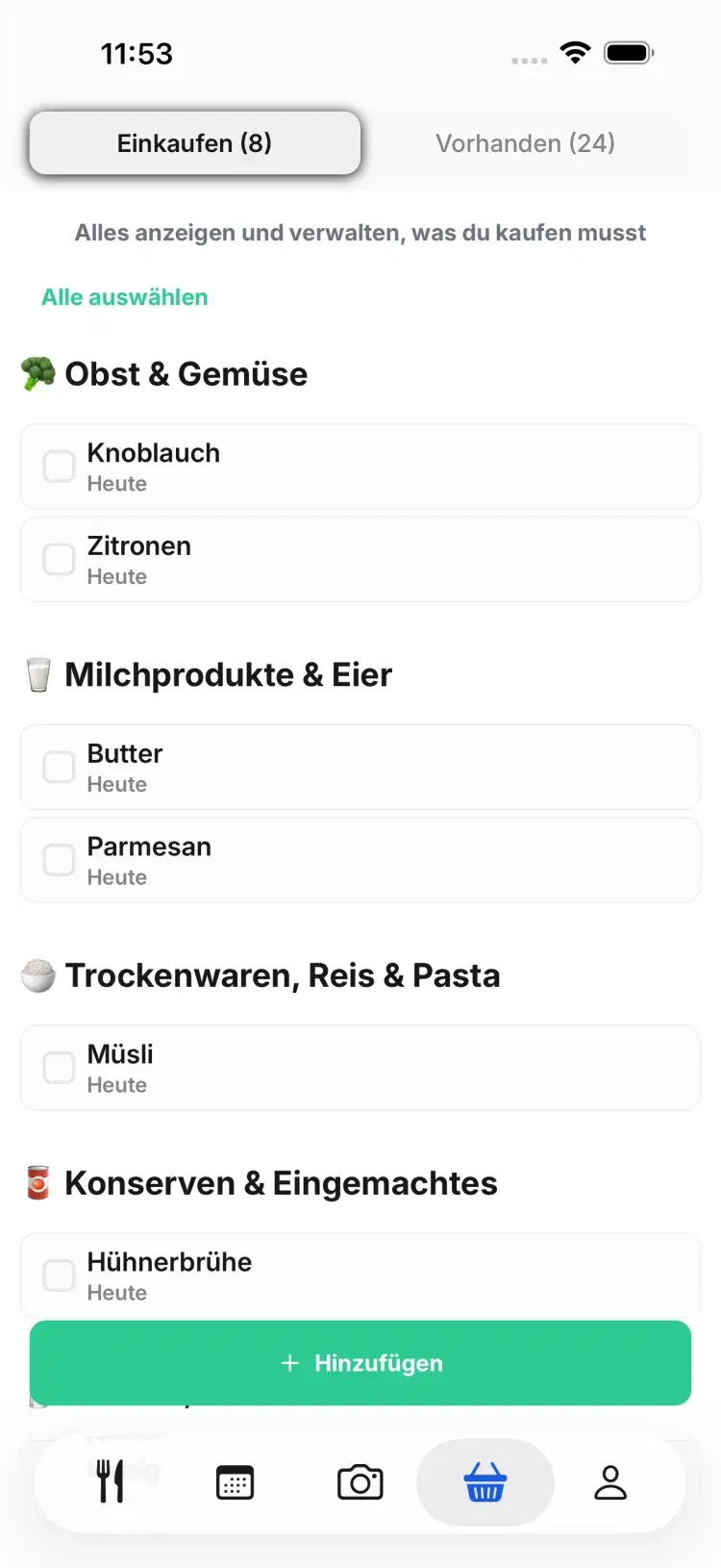
Only the missing items, grouped by aisle.
Side by side
Pantry Pic and SuperCook compared
How you enter ingredients
A photo of your fridge or pantry, a grocery receipt (snapped or forwarded by email) or a barcode scan, plus manual edits
Tick from a list, type or voice
Where recipes come from
Generated for your exact ingredients
Matched against a large database of recipes from food sites
Price
Free tier, then subscription
Completely free, no subscription and no in-app purchases
Dietary filters
11 options, including vegan, gluten-free, nut-free, keto and paleo
Basic
Meal planning
Shopping list for missing items
Platforms
iOS and Android
iOS, Android and web
Which one suits you
When Pantry Pic is the better pick
You have abandoned a recipe app before because the typing was too much on a tired weeknight. Photo input removes that step.
You want recipes built around the exact things in front of you, including the half a cauliflower, rather than the nearest database match.
You want dietary preferences, skill level and time available taken into account, and the missing items collected into a shopping list.
You also collect recipes from elsewhere. Pantry Pic saves recipes from a link or pasted text, and Snap a Dish turns a photo of a plated meal into a recipe.
When SuperCook is the better pick
You want it to cost nothing, ever. SuperCook is genuinely free with no subscription and no in-app purchases, and that is hard to argue with.
You prefer recipes that a person wrote and published on a food site, with the ratings and comments that come with them.
You want to use it in a browser on a laptop. Pantry Pic is a phone app, because the camera is the point.
You like the "missing one ingredient" filter, which surfaces near-misses. Pantry Pic handles that differently, by building the recipe around what you have.
FAQ
SuperCook questions
Yes. Pantry Pic uses ingredient detection on a photo of your fridge or pantry, then lets you edit the list before generating recipes. Deep-pantry items hidden behind others still need a quick manual add.
Yes. As checked on 8 September 2026, SuperCook has no subscription and no in-app purchases. Pantry Pic has a free tier plus a paid plan for unlimited scans.
They are answering different questions. SuperCook finds published recipes that match what you ticked. Pantry Pic writes one around what you actually have, which helps most when your fridge does not match any tested recipe.
Plenty of people do. Scan with Pantry Pic to see what you have and what it can become, and search SuperCook when you want a published recipe with reviews.
Both apps exist to answer the same question at 6pm on a Tuesday. SuperCook wants you to tell it what is in the fridge. Pantry Pic wants to look.
Koch etwas Großartiges mit dem, was du schon hast
Mach mit gegen Lebensmittelverschwendung und für entspanntere Mahlzeiten. Pantry Pic macht deinen Vorrat zum Kochbuch, ein Foto nach dem anderen
Lade Pantry Pic direkt aus deinem bevorzugten App Store herunter:
Kostenlose Version verfügbar • Jederzeit upgraden
