
App comparison
MyFridgeFood vs SuperCook
MyFridgeFood and SuperCook both find recipes that match ingredients you pick. MyFridgeFood uses recipes submitted by its users. SuperCook matches recipes from food websites and also takes ingredients by voice. Both are free. This page compares them, then shows where Pantry Pic fits.
Scarica Pantry Pic direttamente dal Tuo app store preferito:


Free on the App Store and Google Play
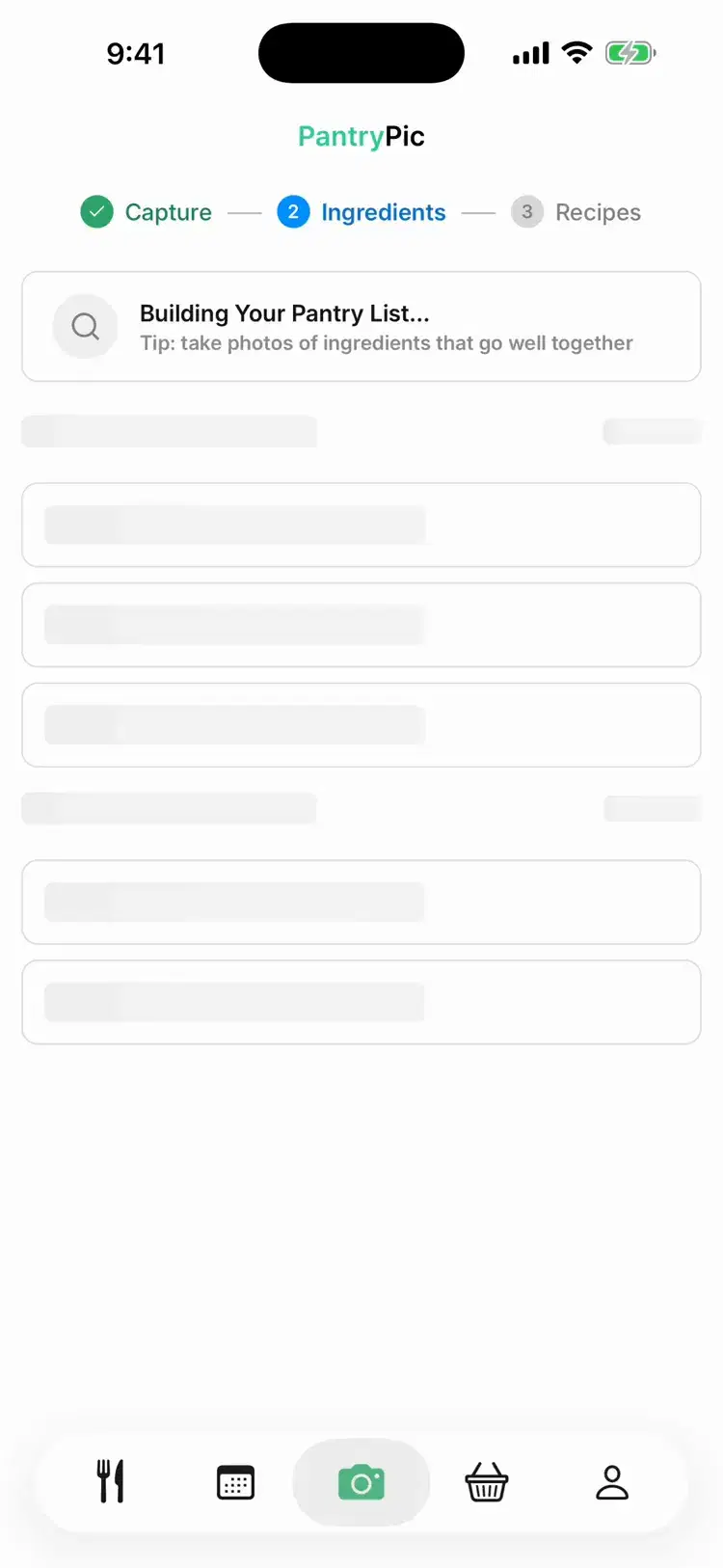
Inside Pantry Pic
Where Pantry Pic fits
If you would rather not pick ingredients at all, Pantry Pic starts from a photo.

Point the camera at your fridge. Pantry Pic lists what it sees.

Dinner ideas that use what is already there.

Add recipes to any day of your week. Drag a meal to another day, or swipe to move it.

Add only the missing items, grouped by aisle.
Side by side
MyFridgeFood and SuperCook compared
How you enter ingredients
Tick ingredients from a list
Pick from a list of 2,000+ ingredients, search or say them out loud
Where recipes come from
User-submitted recipes
Food websites. It says it has over 11 million recipes from 18,000 sites, in 20 languages
Submit your own recipes
Not described on its website or store listings we checked
"Missing one ingredient" filter
Not described on its website or store listings we checked
Other filters
Ingredient, category and nutrition, such as fat and calories
Diet (vegan, vegetarian, lactose-free, gluten-free), meal type, cuisine, time and more
Saved recipes
Bookmarks
Favorites
Shopping list
Not described on its website or store listings we checked
Yes, on its website
Meal planning
Not described on its website or store listings we checked
Not described on its website or store listings we checked
Price
Free. No in-app purchases listed on the App Store or Google Play
Free. No in-app purchases listed on the App Store or Google Play
Platforms
Web, iPhone and Android
Web, iPhone and Android
Latest app updates
iPhone: February 2023. Android: November 2022
iPhone: June 2022. Android: October 2025
Which one suits you
When MyFridgeFood is the better pick
You want recipes submitted by home cooks, and a way to submit your own.
You want a quick search in a browser from one page of ingredients.
You want to filter recipes by nutrition, such as fat or calories.
When SuperCook is the better pick
You want recipes drawn from food websites. SuperCook says it has over 11 million.
You want to add ingredients by voice.
You want a filter for recipes you are one ingredient away from.
You want diet filters, such as vegan or gluten-free, and a shopping list on the website.
FAQ
SuperCook questions
Both match recipes to ingredients you pick. MyFridgeFood uses recipes submitted by its users, and you can submit your own. SuperCook matches recipes from food websites, takes ingredients by voice and has a "missing one ingredient" filter.
Yes. As checked on 29 October 2026, both are free to use, and none of their App Store or Google Play listings show in-app purchases.
SuperCook also takes ingredients by voice. If you would rather take a photo, Pantry Pic reads ingredients from a photo of your fridge, a grocery receipt or a barcode, then suggests recipes. It has a free tier on iPhone and Android.
Meal planning is not described on the MyFridgeFood or SuperCook websites or store listings we checked on 29 October 2026. Pantry Pic lets you add recipes to any day of your week and adds only the missing items to your shopping list.
Both are free, so it is easy to try each. If you would rather not pick ingredients at all, that is where a photo-first app like Pantry Pic fits.
Sources: MyFridgeFood website, MyFridgeFood on the App Store, MyFridgeFood on Google Play, SuperCook website, SuperCook on the App Store, SuperCook on Google PlayMyFridgeFood and SuperCook are trademarks of their owners. This comparison is published by Pantry Pic, which is not affiliated with or endorsed by either.Cucina qualcosa di straordinario con ciò che hai già
Unisciti al movimento contro lo spreco alimentare e rendi i pasti più semplici. Pantry Pic trasforma la tua dispensa in un ricettario, una foto alla volta
Scarica Pantry Pic direttamente dal Tuo app store preferito:
Versione gratuita disponibile • Passa quando vuoi
